How to Replace 5000 Charger
Complete step-by-step guide · 2 minutes · Difficulty: Very Easy
🔧 Tools You Need
- No tools required
Step-by-Step Instructions
- 1
Identify the correct wattage for your laptop model (check the original charger label).
- 2
Ensure the new charger has the same connector tip size and polarity.
- 3
Connect the new charger to the laptop and power adapter.
- 4
The laptop should begin charging immediately.
- 5
If the laptop doesn't recognize the charger, restart and try again.
Buy 5000 Charger in Egypt
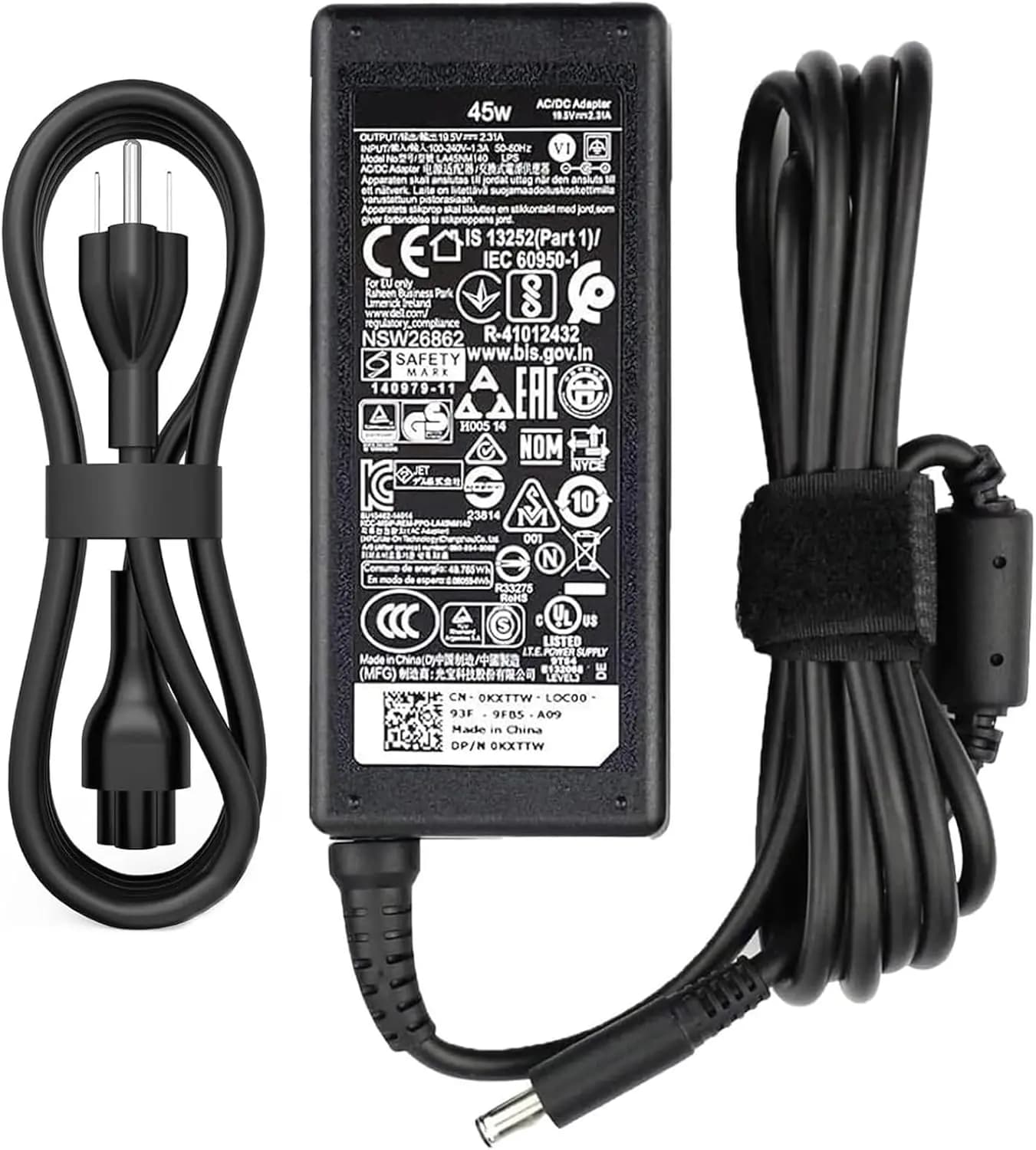
45W AC Power Charger Dell Inspiron 11/13/14/15/17 3000 5000 7000 Series(3583 3593 5570) Latitude E5450 XPS 13-45 Watt AC 2-in-1 Computer Adapter
825 EGP
Out of Stock
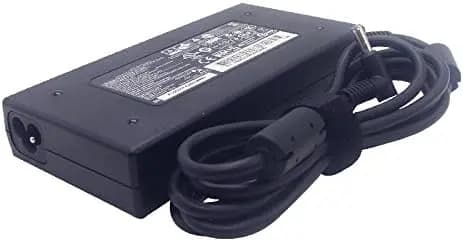
Charger AC Adapter Laptop HP 120W Envy 15 17 HP Omen 15-5000 5100 5200 G5 5TW13AA 710415-001 L41856-001 4.5*30
2,050 EGP
✓ In Stock
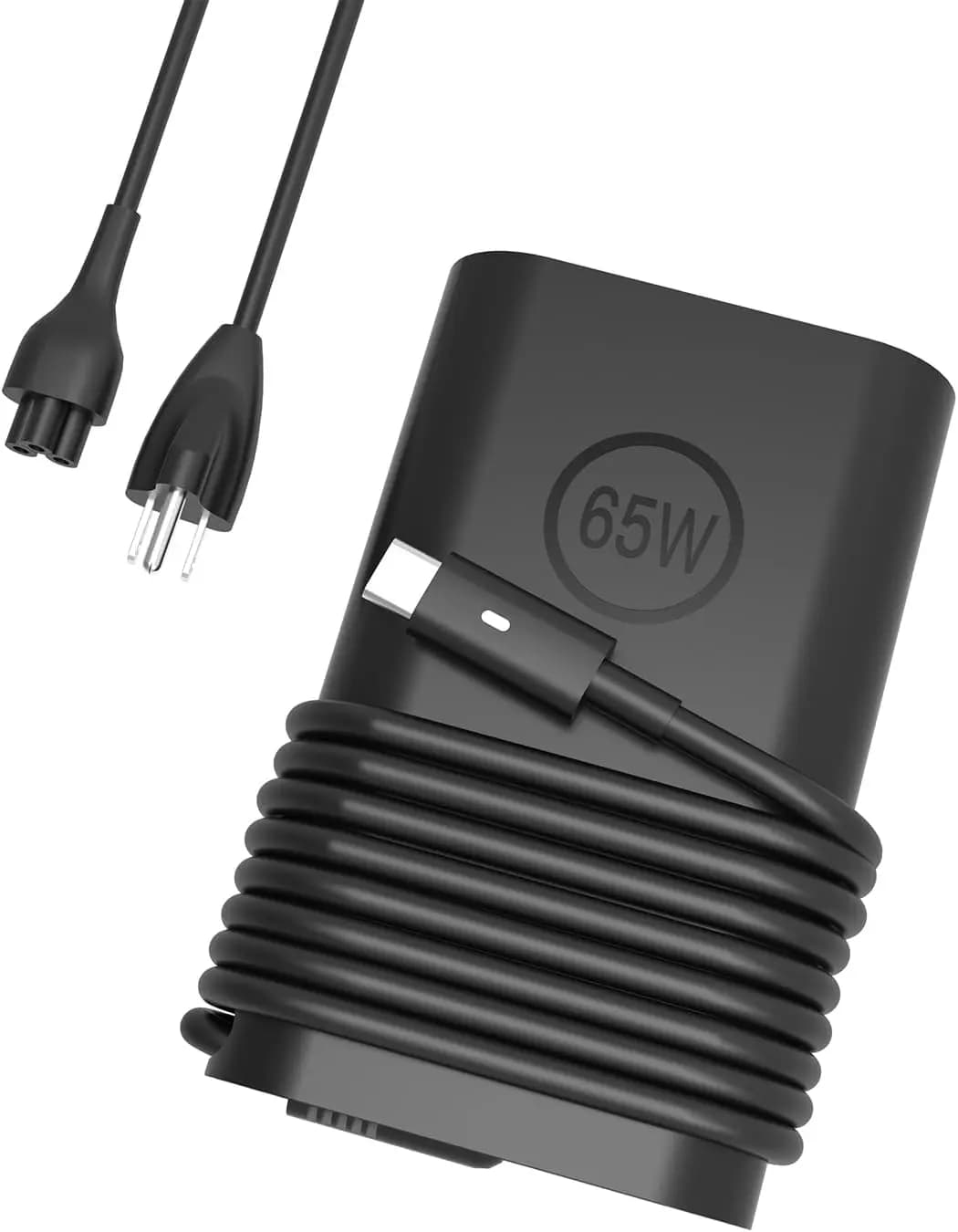
Charger Dell Inspiron Type-C 65W Dell Inspiron USB-C 5620 5630 5625 5640 5645 7460 Inspiron 17 5758 5759 5765 5767, Dell Inspiron 15 14 13 5000 7000 Series, Dell Vostro & Dell Latitude 5420 5410 5490 3400 7410 7225 7275 7370
1,250 EGP
Out of Stock
Frequently Asked Questions
How long does it take to replace a 5000 Charger?
Replacing a 5000 Charger typically takes 2 minutes. Difficulty level: Very Easy.
What tools do I need to replace a 5000 Charger?
You will need: No tools required.
Where can I buy a 5000 Charger in Egypt?
You can buy original and compatible 5000 Charger parts at Almasrya.net with fast delivery across Egypt.