How to Replace 5000 Screen
Complete step-by-step guide · 30-60 minutes · Difficulty: Medium to Hard
🔧 Tools You Need
- Phillips screwdriver
- Plastic pry tool
- Flathead screwdriver
- Anti-static wrist strap
Step-by-Step Instructions
- 1
Turn off the laptop and remove the battery.
- 2
Remove the rubber screw covers around the screen bezel using a small flathead.
- 3
Remove the screws and carefully pry the bezel off with a plastic tool.
- 4
Remove the screen mounting screws (usually 4-6 screws on the sides).
- 5
Tilt the screen forward and disconnect the video cable from the back.
- 6
Disconnect the Wi-Fi antenna cables if attached to the screen.
- 7
Attach the new screen in reverse order.
- 8
Test before fully reassembling.
Buy 5000 Screen in Egypt

Screen Cable Flat For Lcd HP Pavilion DV5000 DC020006H00 Video ( Used )
390 EGP
Out of Stock
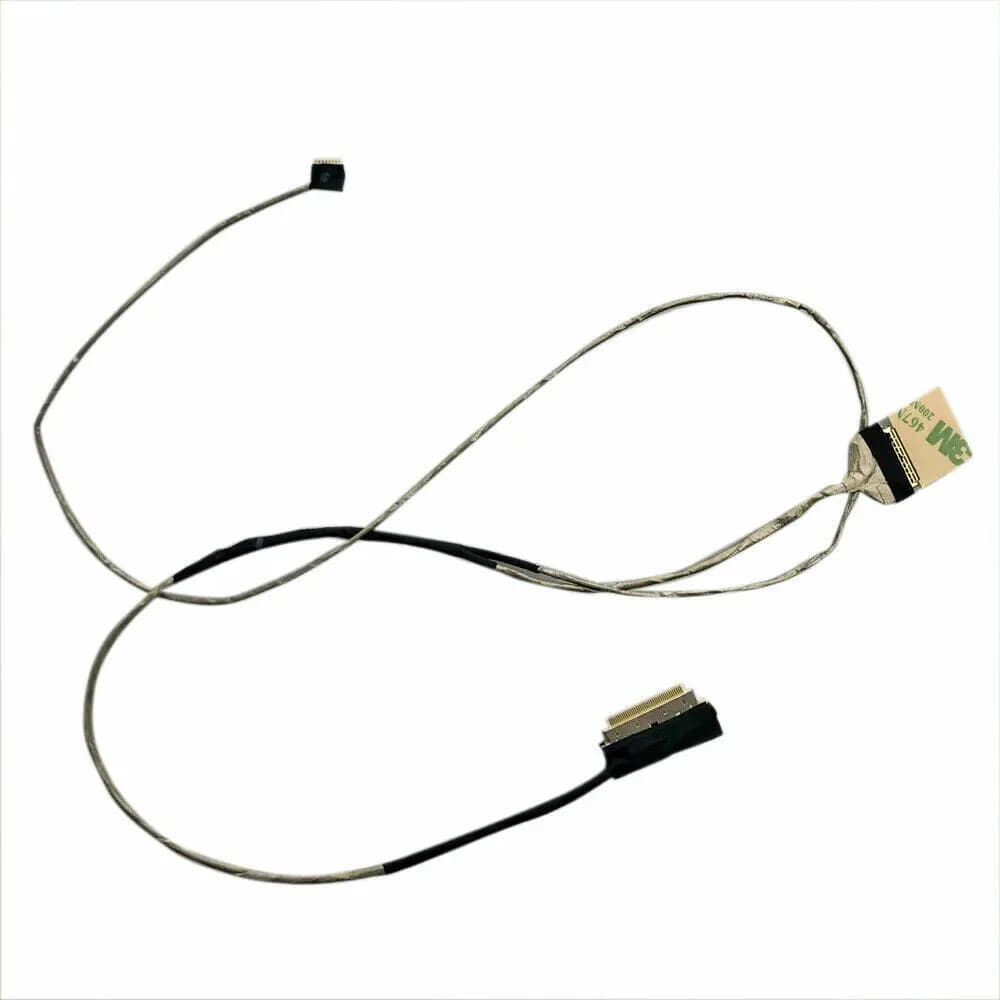
Dell 14-5447 5000 5448 5445 P49G 0VVG60 Laptop Screen Cable LCD flat Cable
390 EGP
Out of Stock

Video Flex Screen Cable Toshiba C50 C50-A C55-A C55 C50 1422-01F5000
380 EGP
Out of Stock

LCD Video Cable Dell Inspiron 15-5000 5551 5555 5558 5559 30PIN Laptop Screen EDP Cable DC020024C00 0MC2TT
390 EGP
Out of Stock
Frequently Asked Questions
How long does it take to replace a 5000 Screen?
Replacing a 5000 Screen typically takes 30-60 minutes. Difficulty level: Medium to Hard.
What tools do I need to replace a 5000 Screen?
You will need: Phillips screwdriver, Plastic pry tool, Flathead screwdriver, Anti-static wrist strap.
Where can I buy a 5000 Screen in Egypt?
You can buy original and compatible 5000 Screen parts at Almasrya.net with fast delivery across Egypt.