How to Replace G0 Fan
Complete step-by-step guide · 30-45 minutes · Difficulty: Medium
🔧 Tools You Need
- Phillips screwdriver
- Plastic pry tool
- Thermal paste
- Anti-static wrist strap
Step-by-Step Instructions
- 1
Power off and remove the battery.
- 2
Remove the bottom panel screws.
- 3
Locate the cooling fan — usually near the center or GPU.
- 4
Disconnect the fan power cable from the motherboard.
- 5
Remove the fan mounting screws.
- 6
Clean thermal paste residue from the heatsink.
- 7
Install the new fan and reconnect the cable.
- 8
Apply fresh thermal paste if replacing the heatsink too.
- 9
Reassemble and test.
Buy G0 Fan in Egypt

CPU Cooling Fan Dell Inspiron 15 5580 5581 558514 5480 5481 5482 5488 0G0D3G G0D3G
680 EGP
Out of Stock
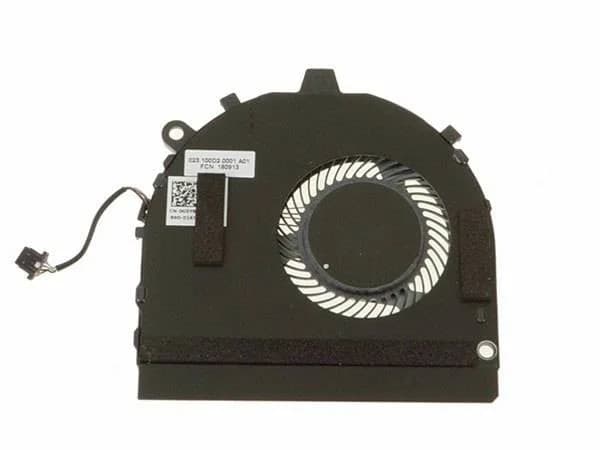
CPU Cooling Fan Dell Inspiron 13 7386 0YFWP9, G0Y8C
1,010 EGP
Out of Stock

CPU Cooling Fan For Acer Aspire ES1-511 AT16G001SS0
550 EGP
Out of Stock
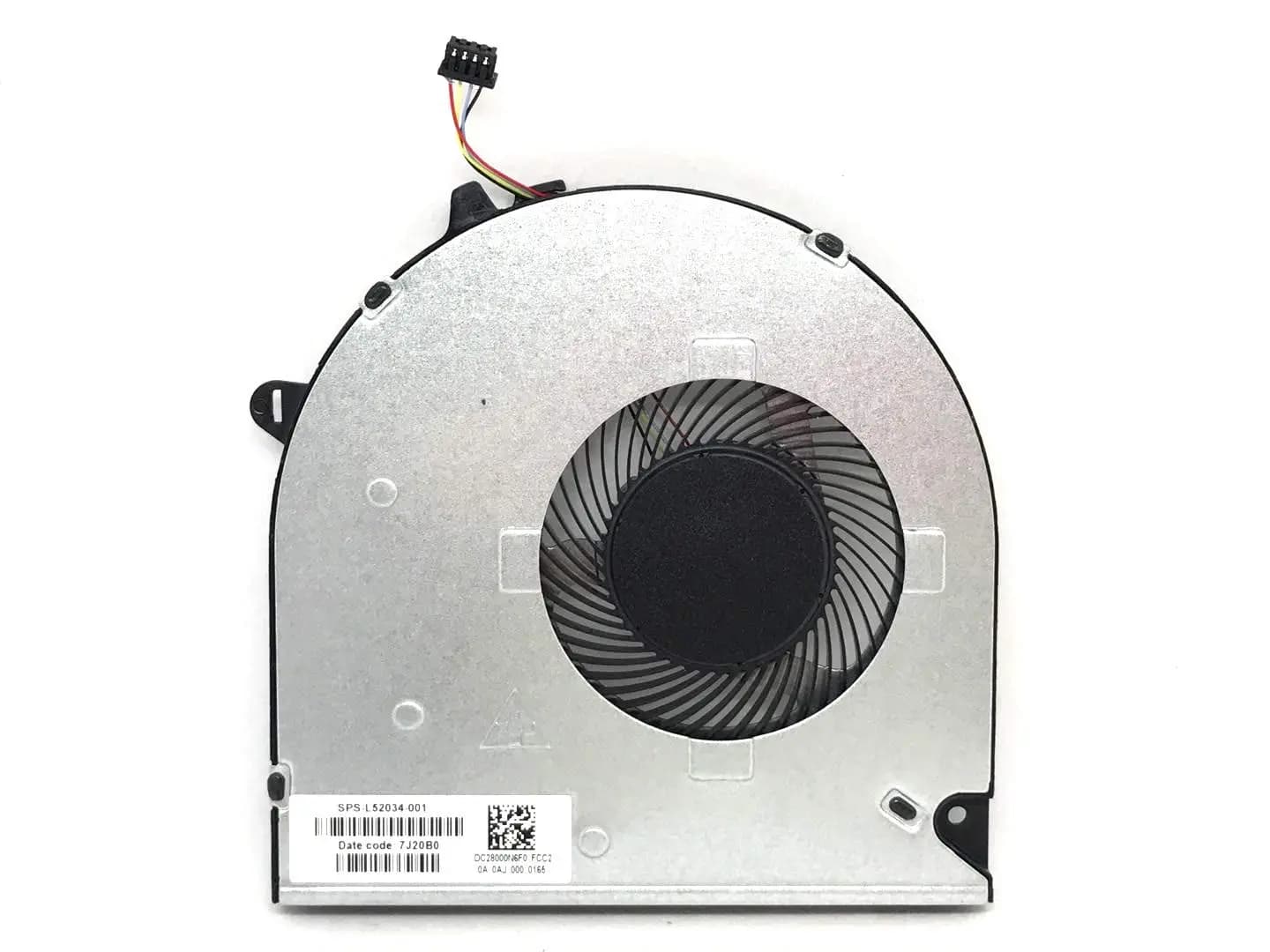
CPU Cooling Fan HP Pavilion 15-DW 15-DU 15s-du 15T-DW 15t-dw000 15t-dw100 15-DW0043DX Series L52034-001 DC28000N6F0 FCC2 DFS5K12114464N FLG0 Fan
995 EGP
Out of Stock
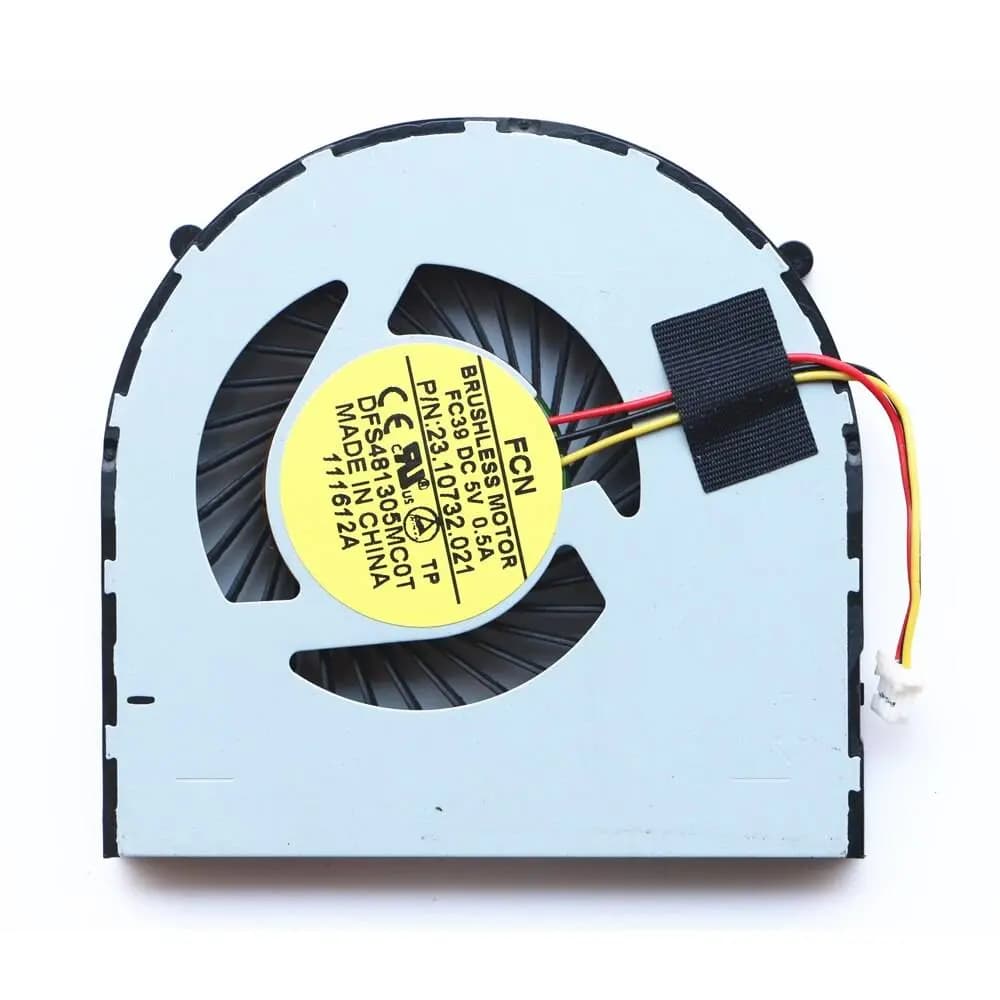
CPU Cooling Fan Dell Inspiron 3441 3442 3443 3446 3541 3542 3543 3878 0G0D3G
590 EGP
Out of Stock

CPU Cooling Fan HP Probook 450 G1 455 G1 455 G1 470 G0 470 G1 721937-001
620 EGP
✓ In Stock
Frequently Asked Questions
How long does it take to replace a G0 Fan?
Replacing a G0 Fan typically takes 30-45 minutes. Difficulty level: Medium.
What tools do I need to replace a G0 Fan?
You will need: Phillips screwdriver, Plastic pry tool, Thermal paste, Anti-static wrist strap.
Where can I buy a G0 Fan in Egypt?
You can buy original and compatible G0 Fan parts at Almasrya.net with fast delivery across Egypt.