How to Replace 5590 Charger
Complete step-by-step guide · 2 minutes · Difficulty: Very Easy
🔧 Tools You Need
- No tools required
Step-by-Step Instructions
- 1
Identify the correct wattage for your laptop model (check the original charger label).
- 2
Ensure the new charger has the same connector tip size and polarity.
- 3
Connect the new charger to the laptop and power adapter.
- 4
The laptop should begin charging immediately.
- 5
If the laptop doesn't recognize the charger, restart and try again.
Buy 5590 Charger in Egypt
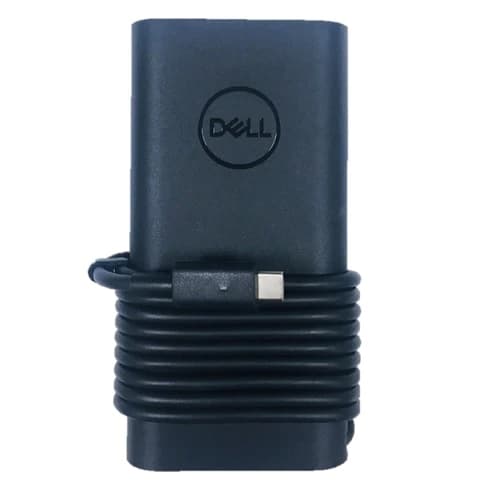
90W Charger Dell Laptop USB C Type C Power Adapter for Dell XPS,LA90PM170 DA90PM170 DA65NM170,Latitude 3400 3500 5400 5289 5300 7400 7300 7390 7200Latitude 7370 7390 7275 7280 7290 7480 7490 5480 5490 5580 5590 5280 5290 5175 5179,3400,3500, 5289,5300 2in1,7400 2in1,7300, 7390 2in1,7400, 7200 2in1,5400
1,800 EGP
Out of Stock
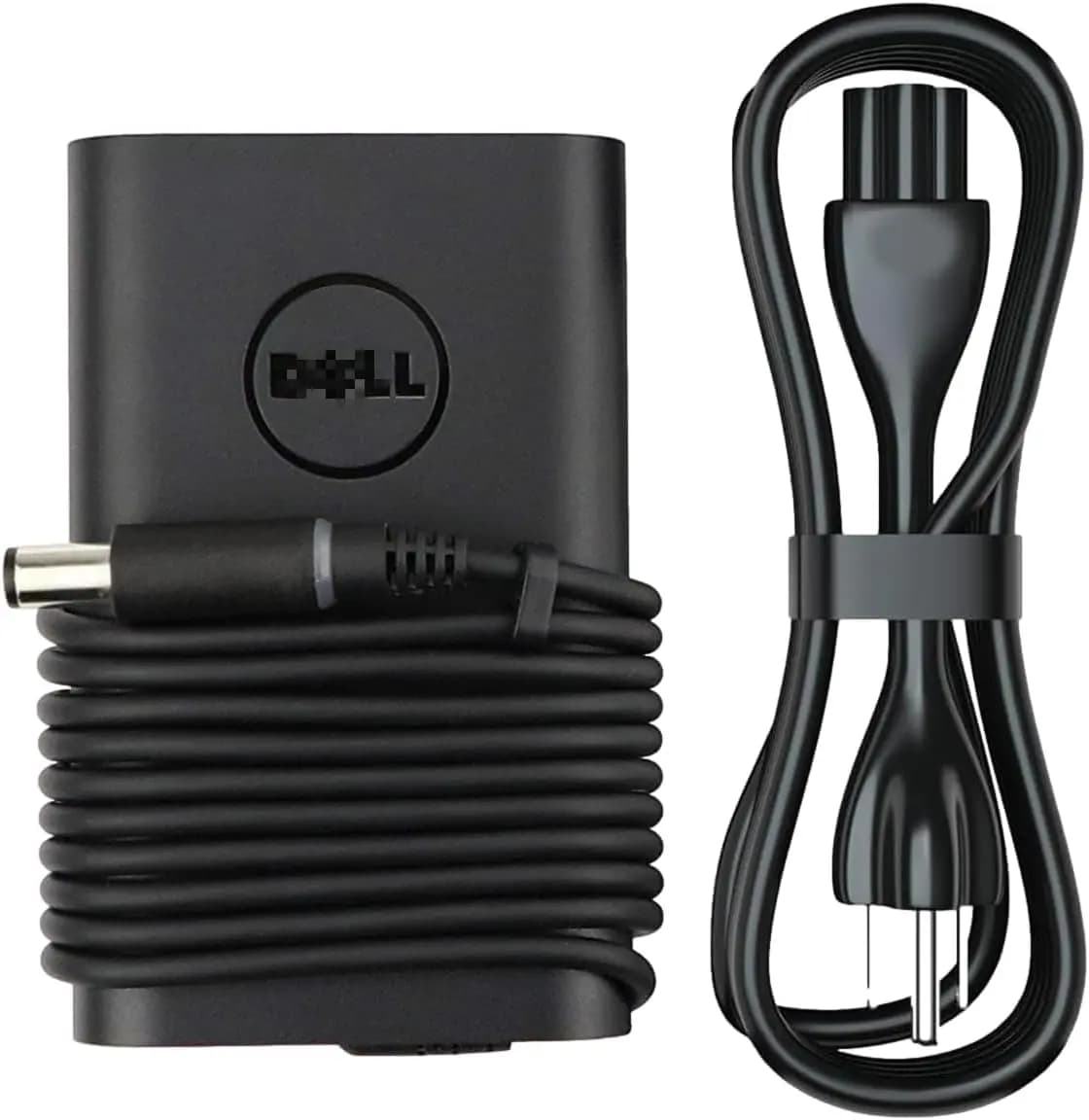
65W AC Power Adapter 19.5V 3.34A Dell Latitude 7480 E5440 E5470 E6540 E7440 E7450 E7250 E6440 E6430 7490 7290 5490 5590 5290 Laptop Charger
1,050 EGP
✓ In Stock
Frequently Asked Questions
How long does it take to replace a 5590 Charger?
Replacing a 5590 Charger typically takes 2 minutes. Difficulty level: Very Easy.
What tools do I need to replace a 5590 Charger?
You will need: No tools required.
Where can I buy a 5590 Charger in Egypt?
You can buy original and compatible 5590 Charger parts at Almasrya.net with fast delivery across Egypt.