How to Replace Lcd Video Cable Laptop Screen Cable
Complete step-by-step guide · 15-30 minutes · Difficulty: Medium
🔧 Tools You Need
- Plastic pry tool
- Phillips screwdriver
- Anti-static wrist strap
Step-by-Step Instructions
- 1
Turn off the laptop completely and disconnect the power adapter.
- 2
Remove the battery if it's removable.
- 3
Use a plastic pry tool to carefully lift the keyboard bezel from the top edge.
- 4
Disconnect the keyboard ribbon cable by flipping up the ZIF connector lock.
- 5
Lift the old keyboard out carefully.
- 6
Connect the new keyboard ribbon cable and lock the ZIF connector.
- 7
Seat the new keyboard and press gently until it clicks into place.
- 8
Reconnect the battery and power on to test.
Buy Lcd Video Cable Laptop Screen Cable in Egypt
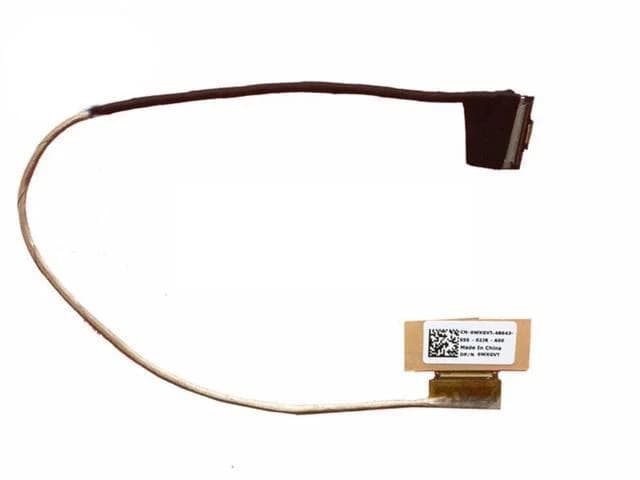
LCD Video Cable Dell Vostro 14-5480 V5480 P41G Laptop Screen Cable DDJW8GLC010 0WXGVT 30PIN
390 EGP
Out of Stock
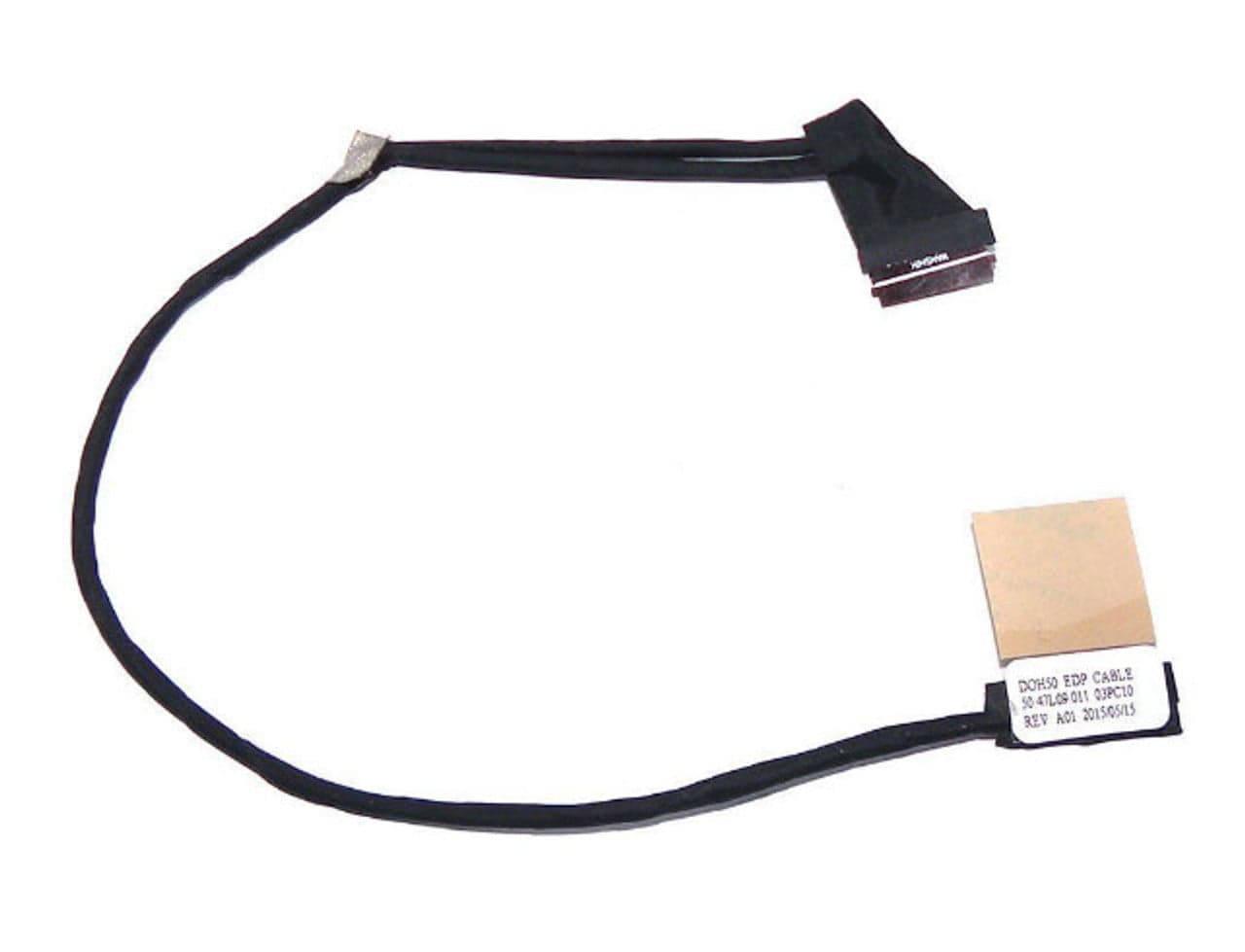
LCD Video Cable Dell Inspiron 15 7000 7537 EDP Laptop Screen Cable 50.47L09.001 03PC10 30PIN
390 EGP
Out of Stock
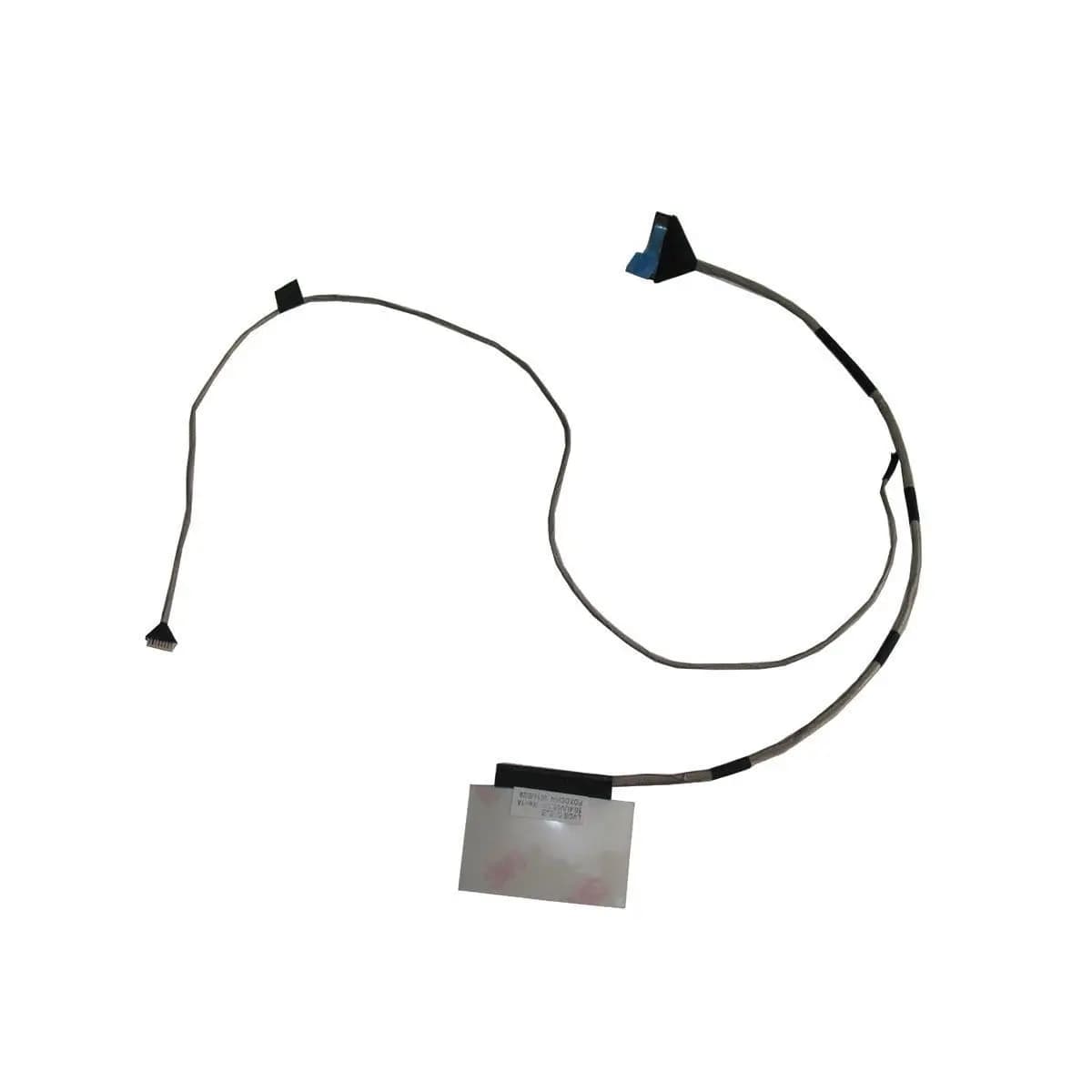
LCD Video Cable Dell Inspiron 14z P35G 5423 Laptop Screen Cable 50.4UV05.001
390 EGP
Out of Stock
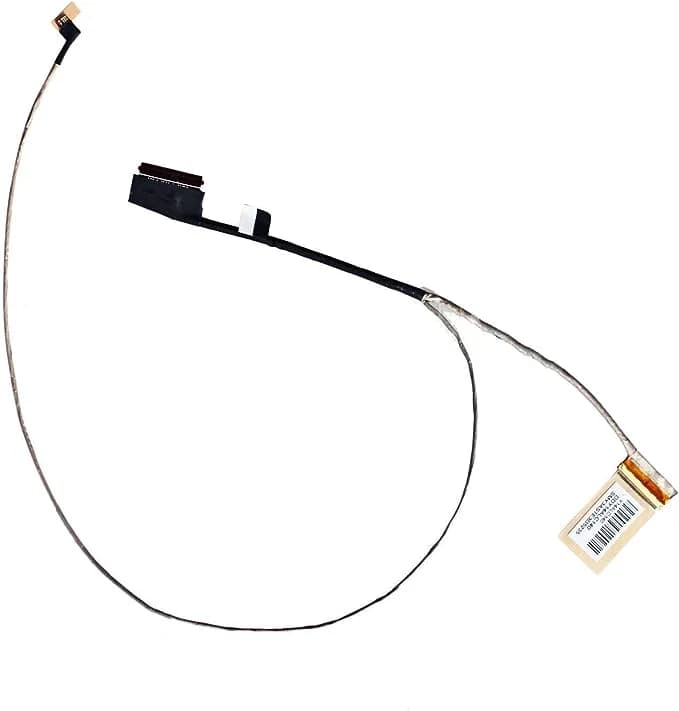
LCD Video Cable HP Pavilion 15-P 15-K 15-V 15Z-P000 Laptop Screen Cable DDY14ALC010
390 EGP
Out of Stock
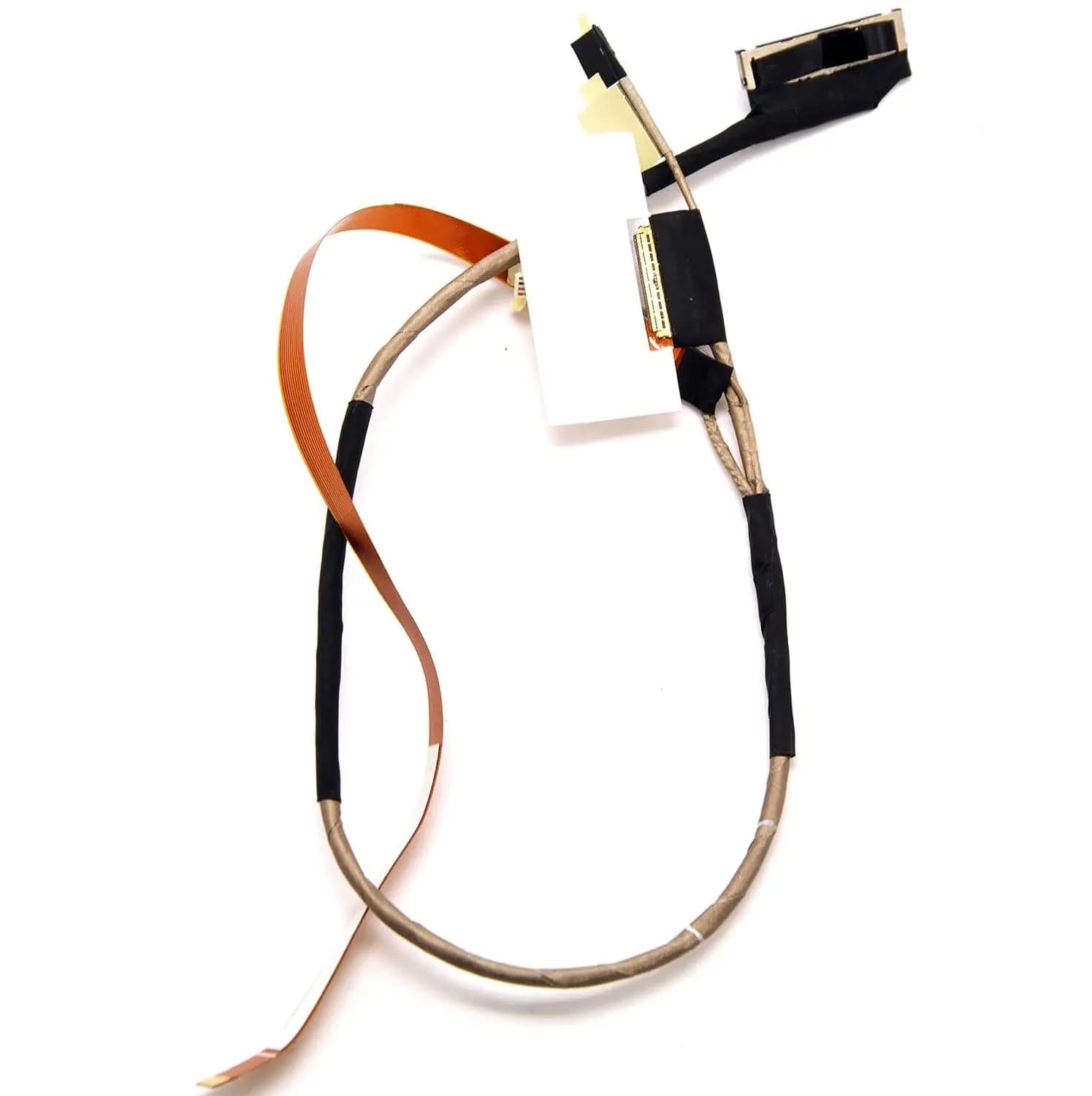
LCD Video Cable Lenovo Yoga 710 710-14ISK 710-14IKB Laptop Screen Cable DC02002D200 5D10L47419 5C10L47422
390 EGP
Out of Stock
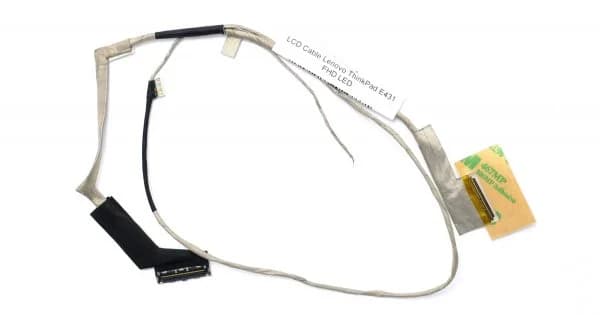
LCD Video Cable Lenovo E431 Laptop Screen Cable DC02001KP00 40PIN
390 EGP
Out of Stock
Frequently Asked Questions
How long does it take to replace a Lcd Video Cable Laptop Screen Cable?
Replacing a Lcd Video Cable Laptop Screen Cable typically takes 15-30 minutes. Difficulty level: Medium.
What tools do I need to replace a Lcd Video Cable Laptop Screen Cable?
You will need: Plastic pry tool, Phillips screwdriver, Anti-static wrist strap.
Where can I buy a Lcd Video Cable Laptop Screen Cable in Egypt?
You can buy original and compatible Lcd Video Cable Laptop Screen Cable parts at Almasrya.net with fast delivery across Egypt.