How to Replace Cpu Cooling Fan Heatsink
Complete step-by-step guide · 15-30 minutes · Difficulty: Medium
🔧 Tools You Need
- Plastic pry tool
- Phillips screwdriver
- Anti-static wrist strap
Step-by-Step Instructions
- 1
Turn off the laptop completely and disconnect the power adapter.
- 2
Remove the battery if it's removable.
- 3
Use a plastic pry tool to carefully lift the keyboard bezel from the top edge.
- 4
Disconnect the keyboard ribbon cable by flipping up the ZIF connector lock.
- 5
Lift the old keyboard out carefully.
- 6
Connect the new keyboard ribbon cable and lock the ZIF connector.
- 7
Seat the new keyboard and press gently until it clicks into place.
- 8
Reconnect the battery and power on to test.
Buy Cpu Cooling Fan Heatsink in Egypt
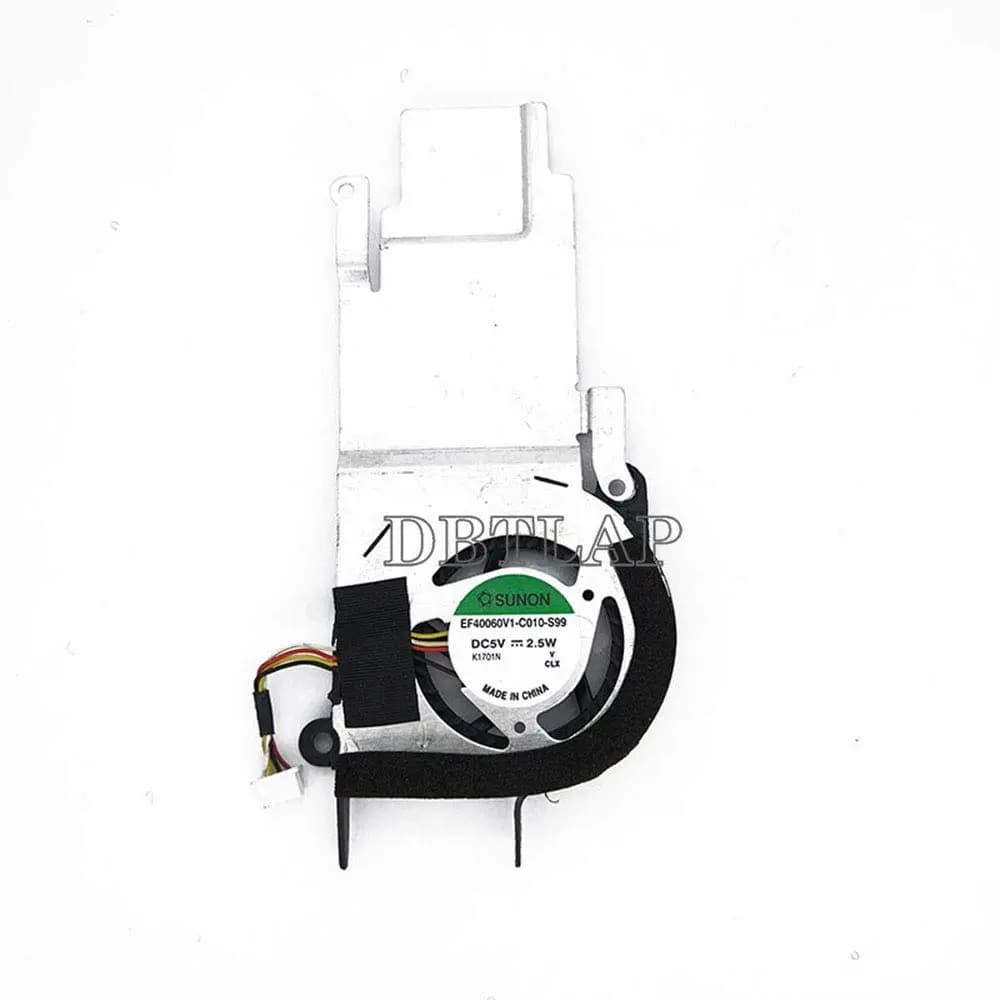
CPU Cooling Fan Heatsink Acer Aspire One ZE6 D257 AOD257 AOHAPPY2-N57C EF40060V1-C010-S99
550 EGP
Out of Stock
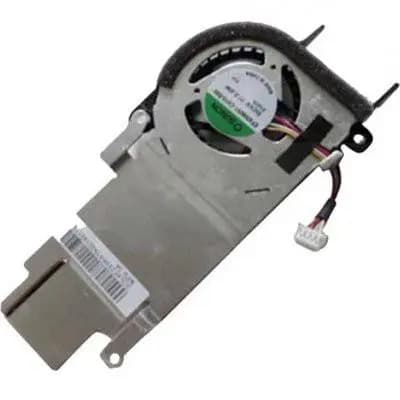
CPU Cooling Fan Heatsink Acer Aspire One ZE7 D270 AOD270 AOHAPPY2-N57C Silver
550 EGP
Out of Stock
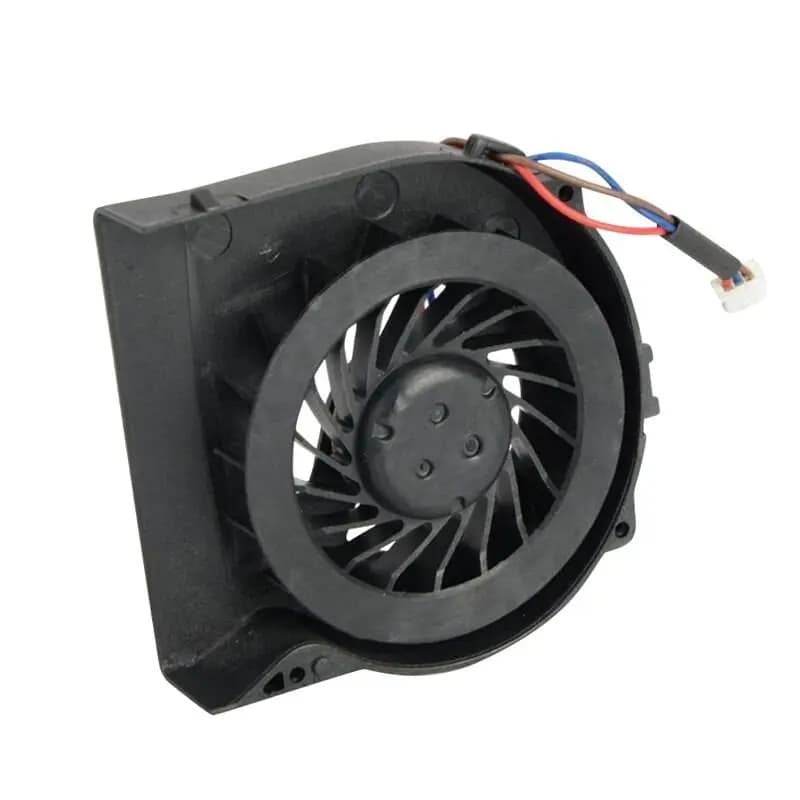
CPU Cooling Fan Heatsink Lenovo Thinkpad X200 X201 X201i 44C9550 44C9549 45N4782
680 EGP
Out of Stock
Frequently Asked Questions
How long does it take to replace a Cpu Cooling Fan Heatsink?
Replacing a Cpu Cooling Fan Heatsink typically takes 15-30 minutes. Difficulty level: Medium.
What tools do I need to replace a Cpu Cooling Fan Heatsink?
You will need: Plastic pry tool, Phillips screwdriver, Anti-static wrist strap.
Where can I buy a Cpu Cooling Fan Heatsink in Egypt?
You can buy original and compatible Cpu Cooling Fan Heatsink parts at Almasrya.net with fast delivery across Egypt.