How to Replace Cpu Cooling Fan Heatsink Fan
Complete step-by-step guide · 30-45 minutes · Difficulty: Medium
🔧 Tools You Need
- Phillips screwdriver
- Plastic pry tool
- Thermal paste
- Anti-static wrist strap
Step-by-Step Instructions
- 1
Power off and remove the battery.
- 2
Remove the bottom panel screws.
- 3
Locate the cooling fan — usually near the center or GPU.
- 4
Disconnect the fan power cable from the motherboard.
- 5
Remove the fan mounting screws.
- 6
Clean thermal paste residue from the heatsink.
- 7
Install the new fan and reconnect the cable.
- 8
Apply fresh thermal paste if replacing the heatsink too.
- 9
Reassemble and test.
Buy Cpu Cooling Fan Heatsink Fan in Egypt
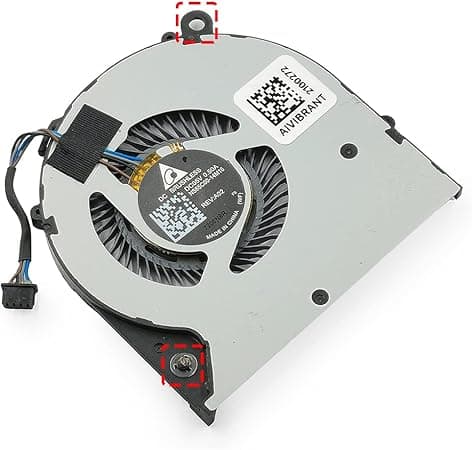
CPU Cooling Fan for HP EliteBook 745 G3 G4, 840 G3 G4, 848 G3 G4, 821163-001, NS65C00-14M16 DC05V 0.50A
675 EGP
✓ In Stock
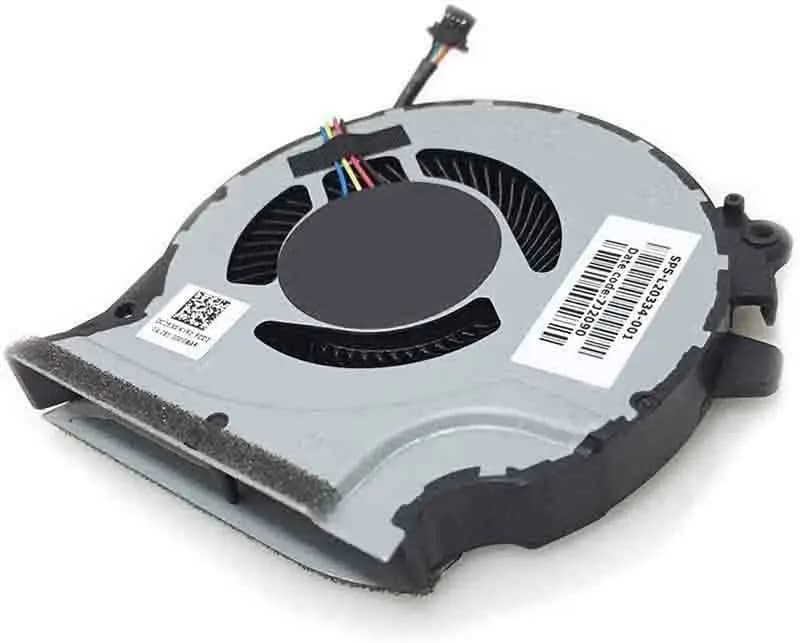
CPU Cooling Fan HP Pavilion 15-CX L20335-001
1,100 EGP
Out of Stock
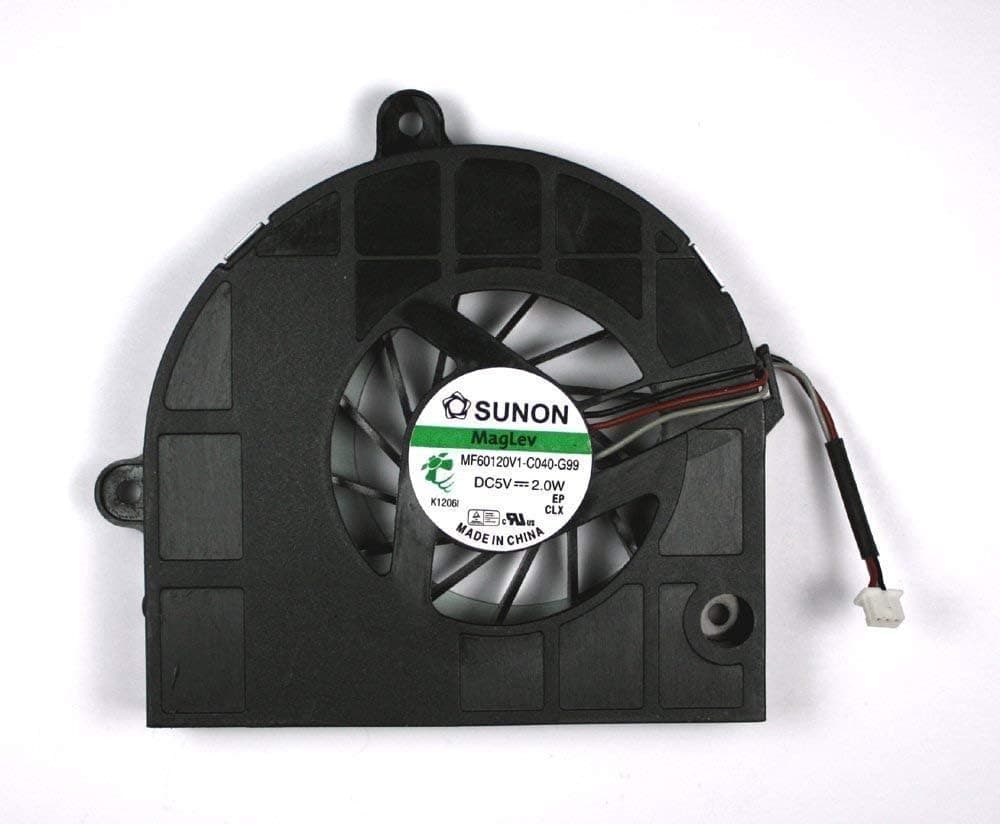
CPU Cooling Fan Acer Aspire 5333 5733 5733Z 5742 5742G 5742Z 5742ZG 5336 5736
550 EGP
✓ In Stock
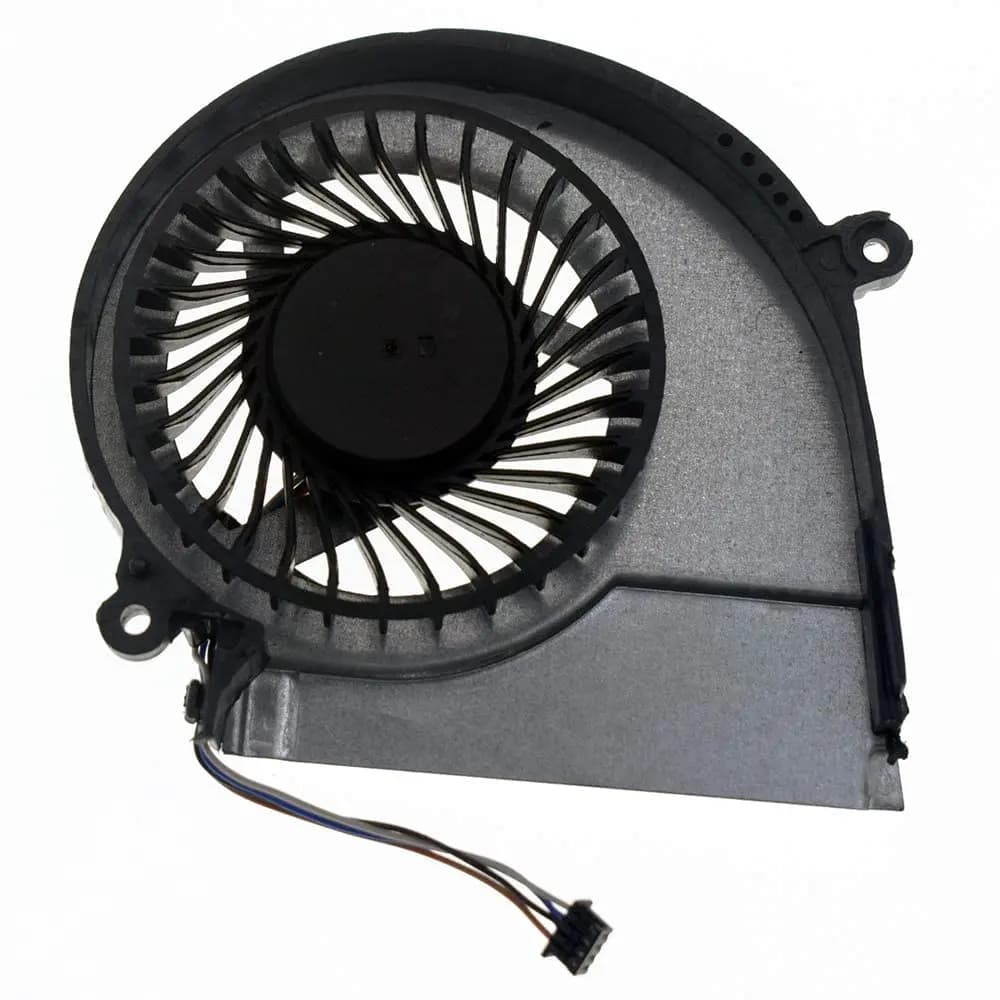
CPU Cooling Fan HP Pavilion 15-E 17-E DFS501105PR0T
750 EGP
Out of Stock
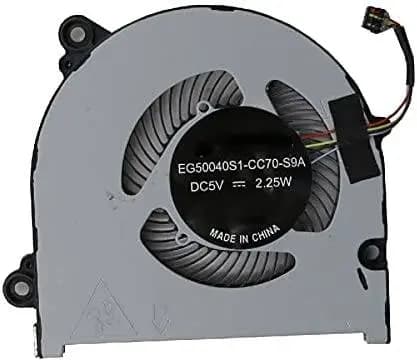
CPU Cooling Fan Lenovo Ideapad 320S-13IKB 5F10P57029
650 EGP
Out of Stock
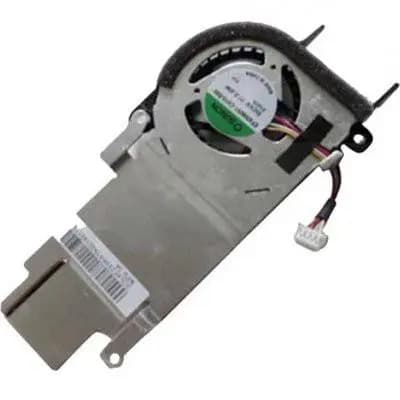
CPU Cooling Fan Heatsink Acer Aspire One ZE7 D270 AOD270 AOHAPPY2-N57C Silver
550 EGP
Out of Stock
Frequently Asked Questions
How long does it take to replace a Cpu Cooling Fan Heatsink Fan?
Replacing a Cpu Cooling Fan Heatsink Fan typically takes 30-45 minutes. Difficulty level: Medium.
What tools do I need to replace a Cpu Cooling Fan Heatsink Fan?
You will need: Phillips screwdriver, Plastic pry tool, Thermal paste, Anti-static wrist strap.
Where can I buy a Cpu Cooling Fan Heatsink Fan in Egypt?
You can buy original and compatible Cpu Cooling Fan Heatsink Fan parts at Almasrya.net with fast delivery across Egypt.