How to Replace Battery Laptop Dell Inspiron Battery
Complete step-by-step guide · 20-40 minutes · Difficulty: Easy to Medium
🔧 Tools You Need
- Phillips screwdriver
- Plastic pry tool
- Anti-static wrist strap
Step-by-Step Instructions
- 1
Power off the laptop and unplug the charger.
- 2
If the battery is external, press the release latch and slide it out.
- 3
For internal batteries: remove the bottom panel screws with a Phillips screwdriver.
- 4
Gently lift the bottom panel using a plastic pry tool.
- 5
Disconnect the battery connector from the motherboard.
- 6
Remove the battery mounting screws and lift the battery out.
- 7
Insert the new battery, reconnect the connector, and secure the screws.
- 8
Replace the bottom panel and charge the new battery fully before use.
Buy Battery Laptop Dell Inspiron Battery in Egypt
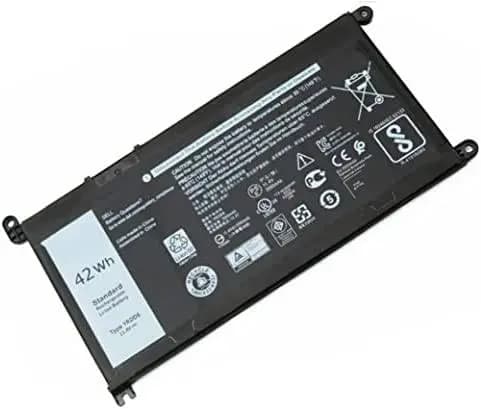
Battery Laptop Dell Inspiron 5590 Vostro 3501 Latitude 3310 YRDD6 1VX1H VM732-11.4v 42Wh 3500mA
2,700 EGP
Out of Stock
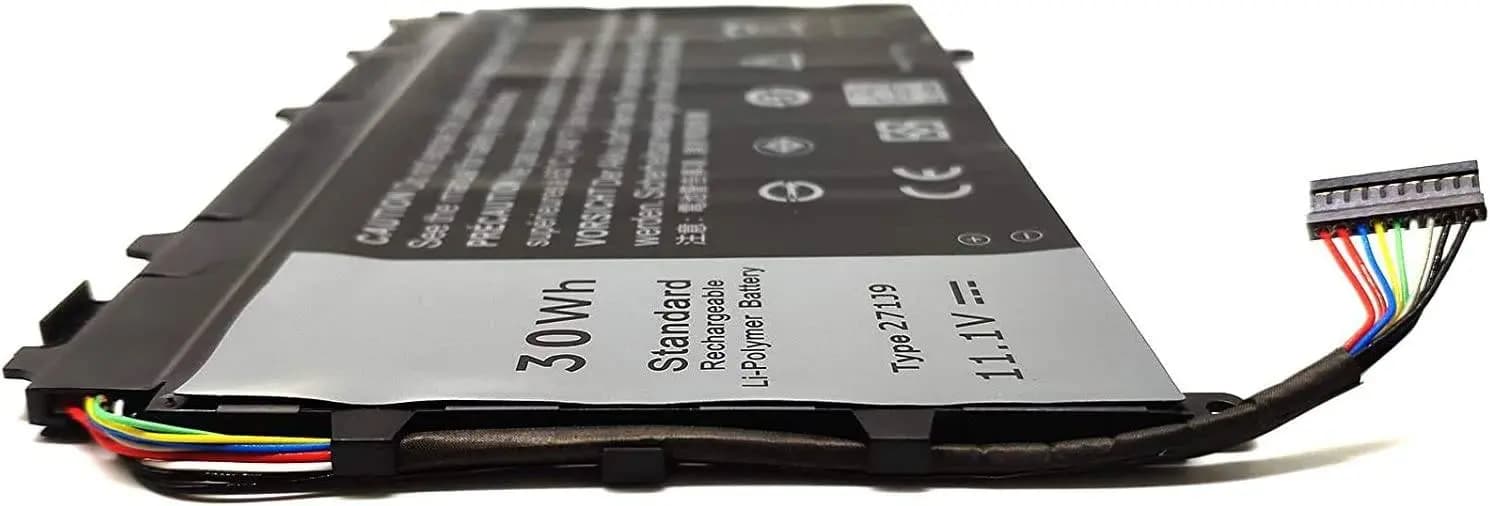
Battery Laptop Dell Latitude 13 7350 271J9 YX81V GWV47
2,695 EGP
Out of Stock
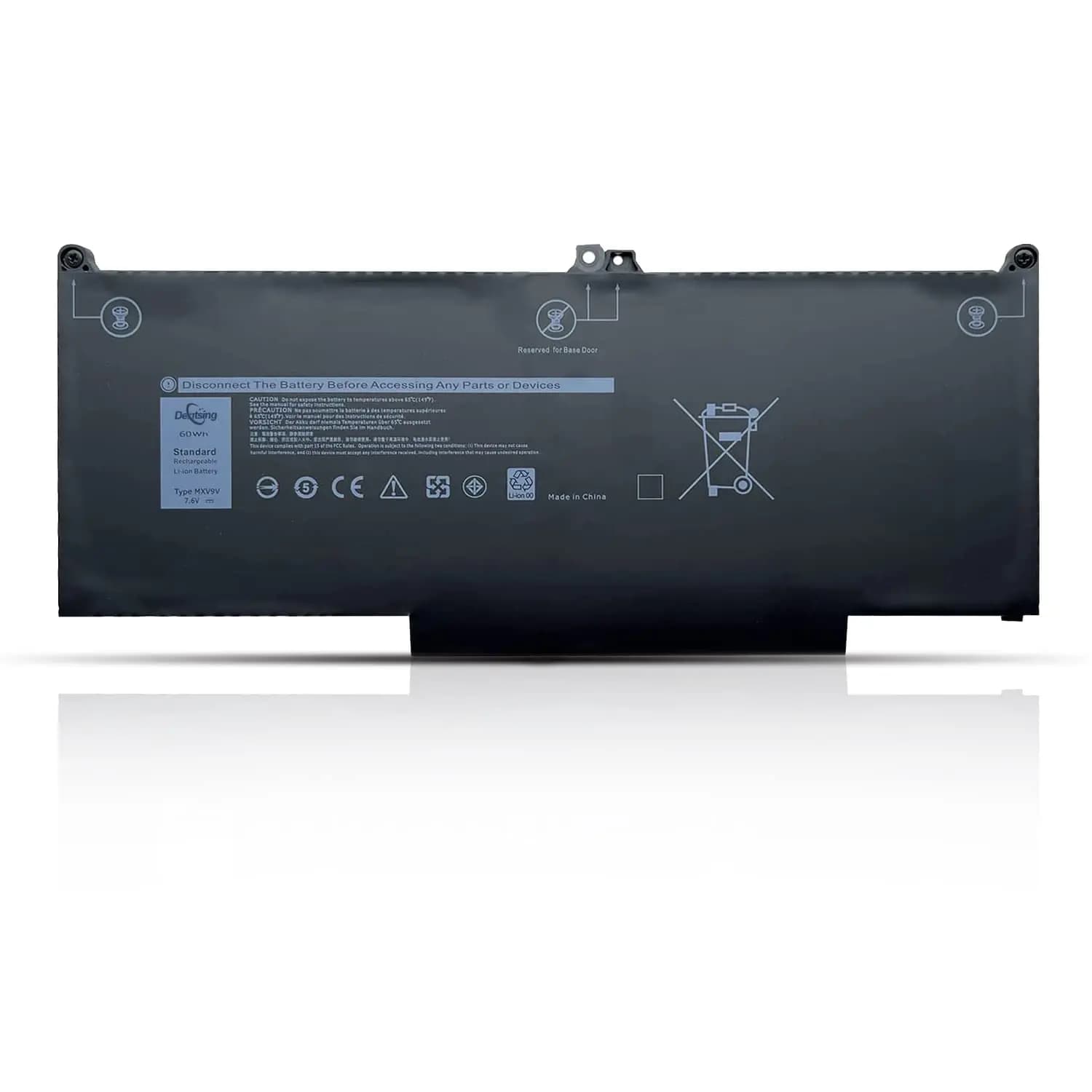
Battery Laptop Dell Latitude 7400 7300 5300 5310 05VC2M 0829MX MXV9V 5VC2M 829MX
2,780 EGP
Out of Stock
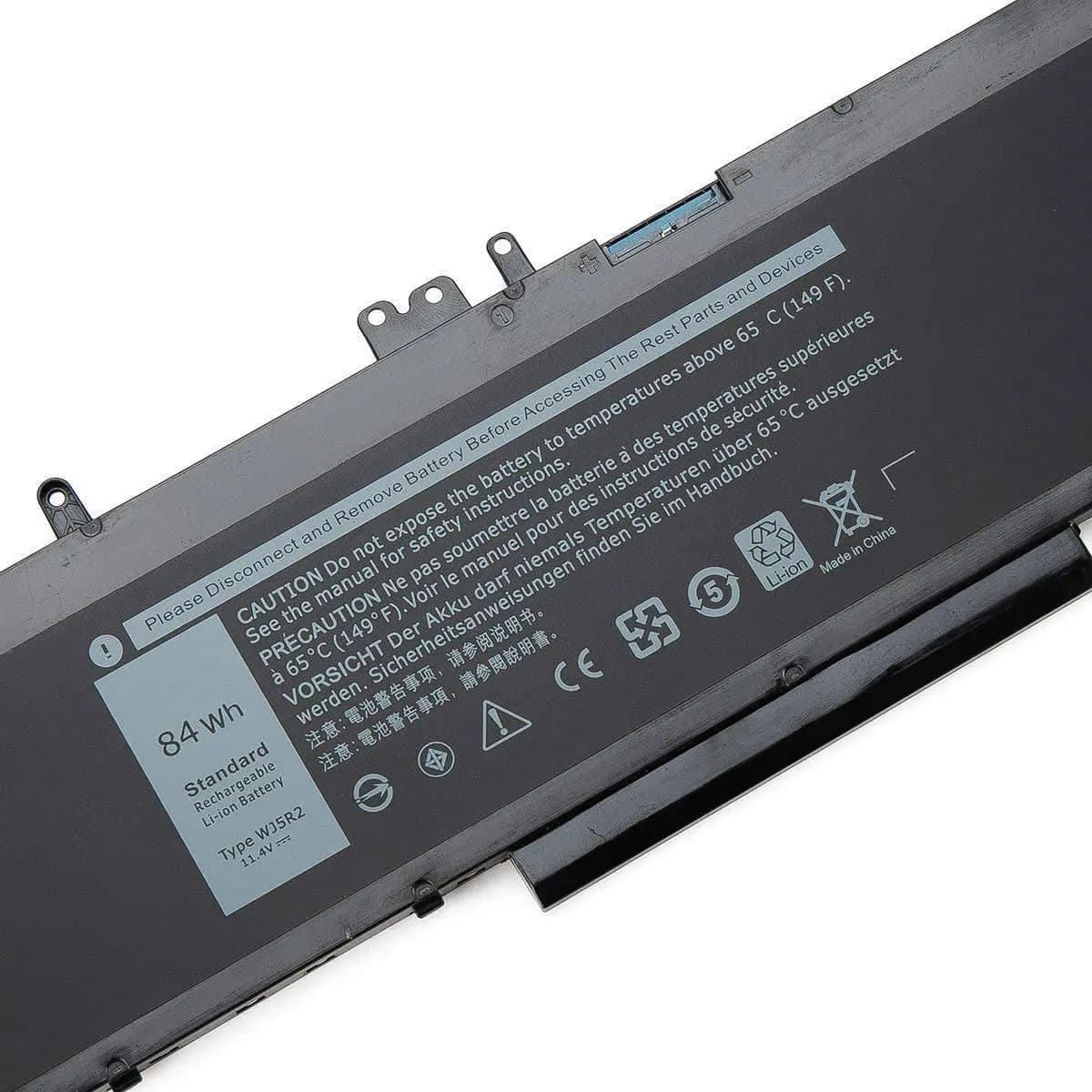
Battery Laptop Dell Latitude E5570 Precision 3510 4F5YV WJ5R2 3ICP7 G9G1H K1G3K P48F001 P48F002 11.4V 84Wh
2,670 EGP
Out of Stock
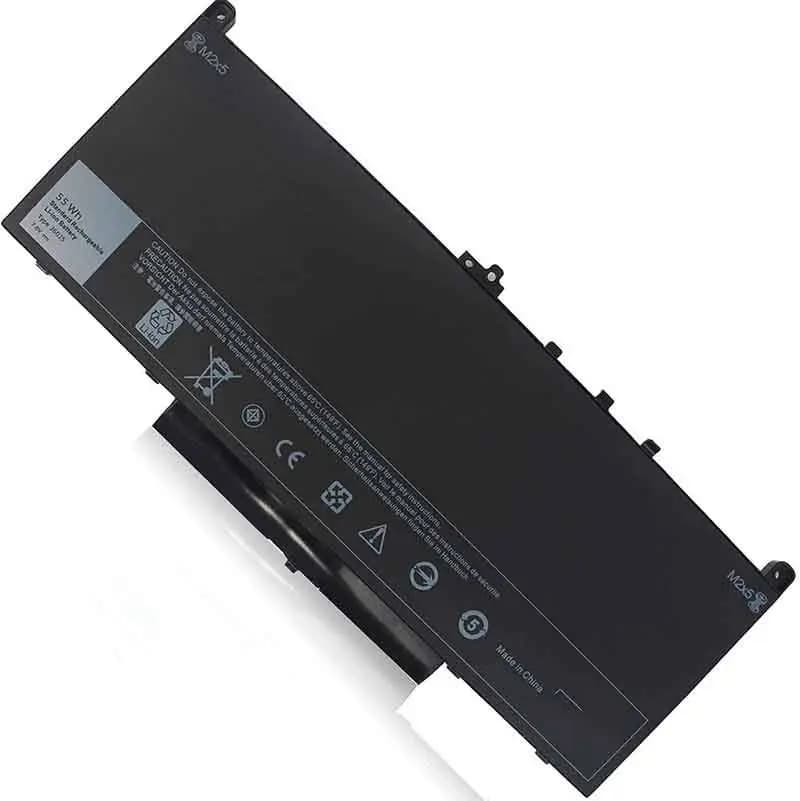
Battery Laptop Dell Latitude E7470 E7270 7470 7270 MC34Y 242WD 1w2y2 J60J5
2,780 EGP
Out of Stock
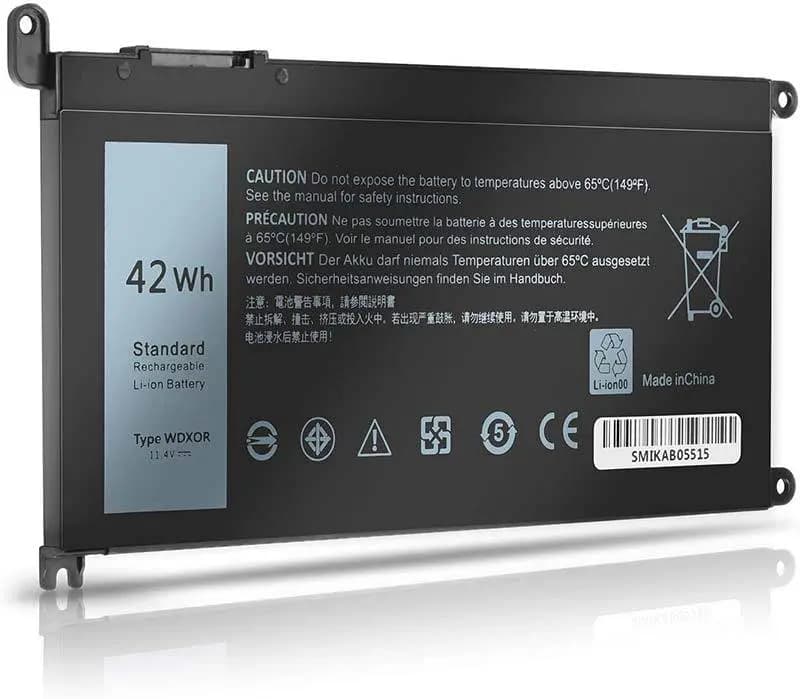
Battery Laptop Dell Inspiron 5378 5567 5568 5578 5565 5570 7560 7570 7569 7579 13 7368 7378 7375 5379 17 5765 5767 5770 3CRH3 T2JX4 FC92N WDXOR WDX0R
2,750 EGP
Out of Stock
Frequently Asked Questions
How long does it take to replace a Battery Laptop Dell Inspiron Battery?
Replacing a Battery Laptop Dell Inspiron Battery typically takes 20-40 minutes. Difficulty level: Easy to Medium.
What tools do I need to replace a Battery Laptop Dell Inspiron Battery?
You will need: Phillips screwdriver, Plastic pry tool, Anti-static wrist strap.
Where can I buy a Battery Laptop Dell Inspiron Battery in Egypt?
You can buy original and compatible Battery Laptop Dell Inspiron Battery parts at Almasrya.net with fast delivery across Egypt.