How to Replace Dell Screen
Complete step-by-step guide · 30-60 minutes · Difficulty: Medium to Hard
🔧 Tools You Need
- Phillips screwdriver
- Plastic pry tool
- Flathead screwdriver
- Anti-static wrist strap
Step-by-Step Instructions
- 1
Turn off the laptop and remove the battery.
- 2
Remove the rubber screw covers around the screen bezel using a small flathead.
- 3
Remove the screws and carefully pry the bezel off with a plastic tool.
- 4
Remove the screen mounting screws (usually 4-6 screws on the sides).
- 5
Tilt the screen forward and disconnect the video cable from the back.
- 6
Disconnect the Wi-Fi antenna cables if attached to the screen.
- 7
Attach the new screen in reverse order.
- 8
Test before fully reassembling.
Buy Dell Screen in Egypt
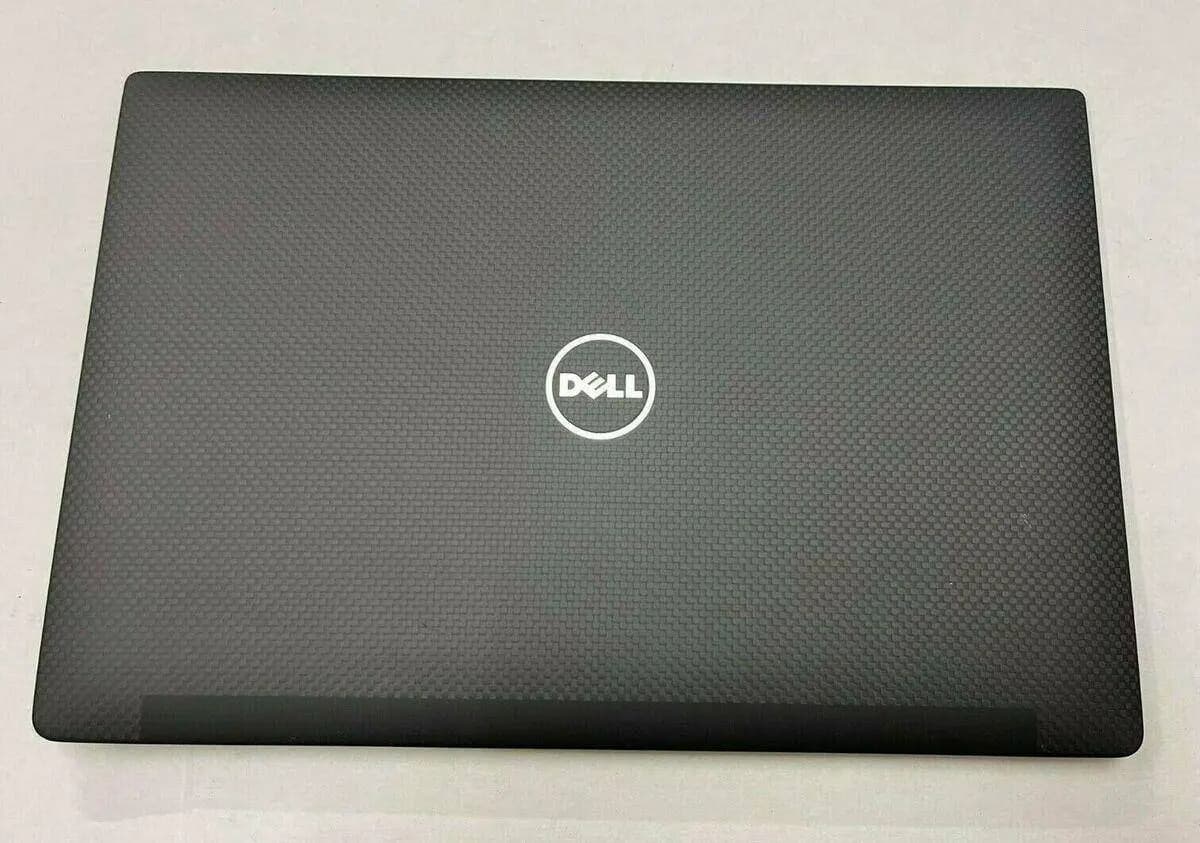
Housing LCD Back Cover Dell Latitude 7490 14" Lid TouchScreen P/N PC8Y0
1,750 EGP
Out of Stock
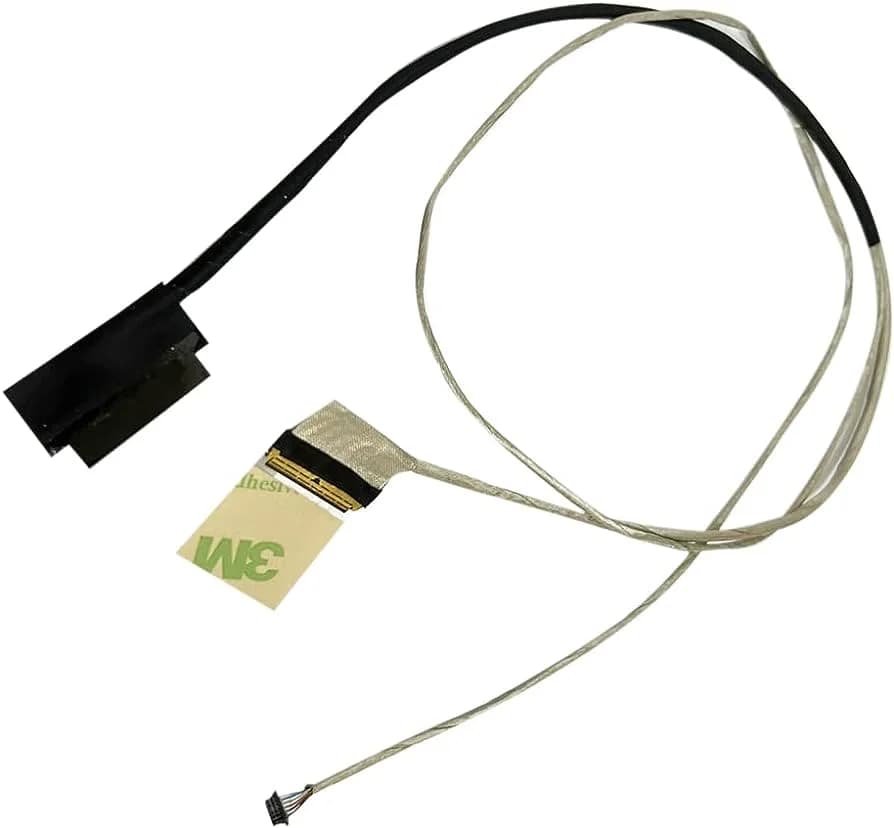
LCD Video Cable Dell Inspiron 15-3559 3551 3552 3558 3568 Laptop Screen Cable 450.03001.2001 0X2MP1 30pin
390 EGP
Out of Stock
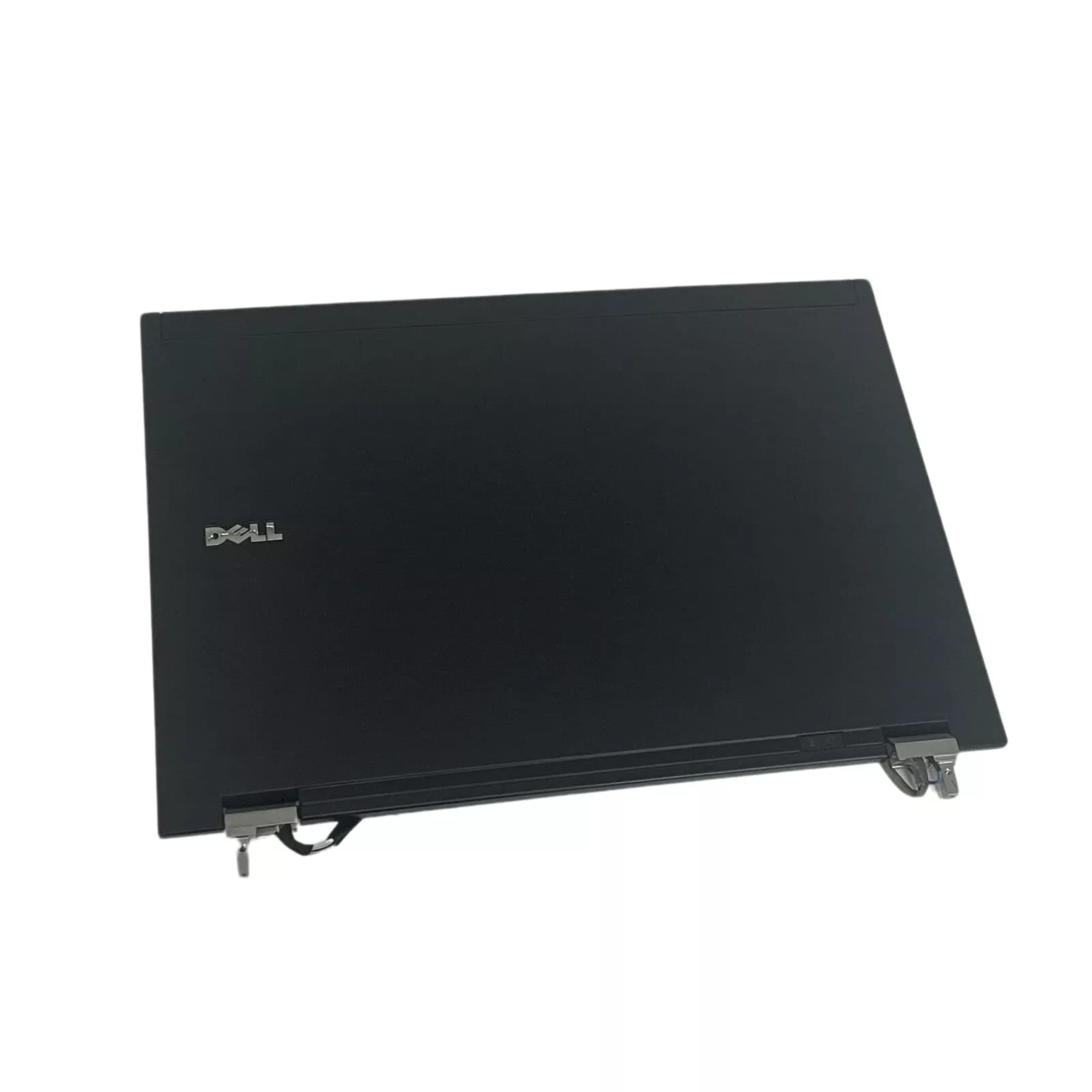
Dell Latitude E6400 LCD Screen Back Cover 0WT197 ( Used )
500 EGP
Out of Stock
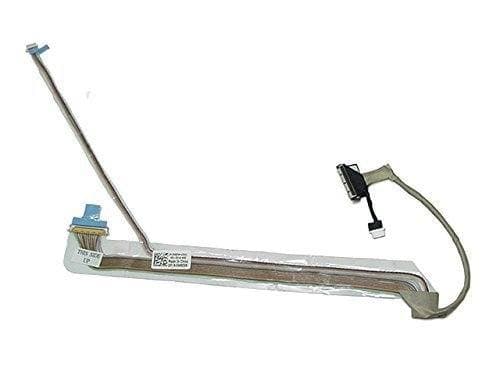
LCD LED Screen Display Cable for Dell Studio 1555 1557 1558 0W439J W439J ( Used )
390 EGP
✓ In Stock
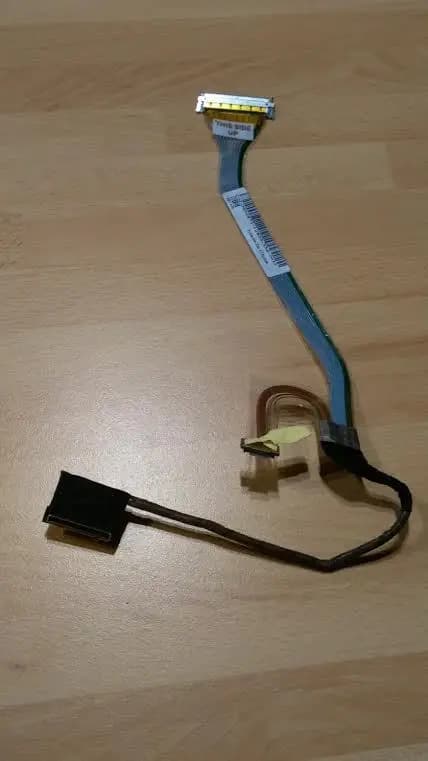
Flat LCD Cable For DELL Latitude D600 Series Monitor Display Screen ( Used )
390 EGP
Out of Stock
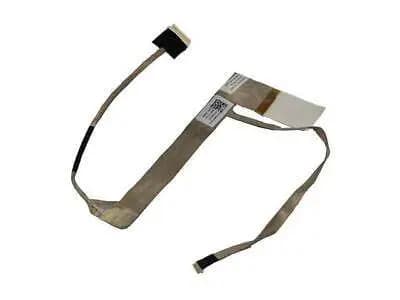
Video Flex Screen Cable Dell Inspiron N4040 0K46NR
380 EGP
Out of Stock
Frequently Asked Questions
How long does it take to replace a Dell Screen?
Replacing a Dell Screen typically takes 30-60 minutes. Difficulty level: Medium to Hard.
What tools do I need to replace a Dell Screen?
You will need: Phillips screwdriver, Plastic pry tool, Flathead screwdriver, Anti-static wrist strap.
Where can I buy a Dell Screen in Egypt?
You can buy original and compatible Dell Screen parts at Almasrya.net with fast delivery across Egypt.