How to Replace G7 Screen
Complete step-by-step guide · 30-60 minutes · Difficulty: Medium to Hard
🔧 Tools You Need
- Phillips screwdriver
- Plastic pry tool
- Flathead screwdriver
- Anti-static wrist strap
Step-by-Step Instructions
- 1
Turn off the laptop and remove the battery.
- 2
Remove the rubber screw covers around the screen bezel using a small flathead.
- 3
Remove the screws and carefully pry the bezel off with a plastic tool.
- 4
Remove the screen mounting screws (usually 4-6 screws on the sides).
- 5
Tilt the screen forward and disconnect the video cable from the back.
- 6
Disconnect the Wi-Fi antenna cables if attached to the screen.
- 7
Attach the new screen in reverse order.
- 8
Test before fully reassembling.
Buy G7 Screen in Egypt

Video Flex Screen Cable HP Compaq CQ72 G72 40 PIN DD0AX8LC000
380 EGP
Out of Stock

Video Flex Screen Cable HP G71 CQ61 CQ71 CQ61-4 DD00P6LC001
380 EGP
Out of Stock
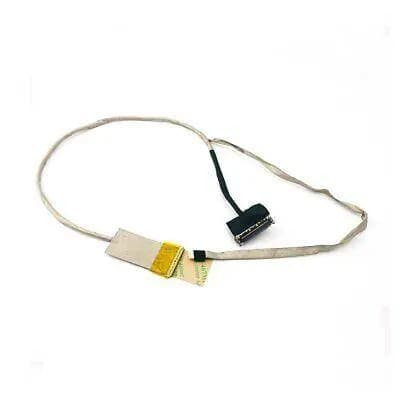
Video Flex Screen Cable HP Pavilion G7-2000 G7-2200ev G7-2251EV DD0TR18LC000
380 EGP
Out of Stock

Video Flex Screen Cable HP Compaq G72 G72-120EV CQ62 G62 CQ72 50.4qc17.001
380 EGP
Out of Stock
Frequently Asked Questions
How long does it take to replace a G7 Screen?
Replacing a G7 Screen typically takes 30-60 minutes. Difficulty level: Medium to Hard.
What tools do I need to replace a G7 Screen?
You will need: Phillips screwdriver, Plastic pry tool, Flathead screwdriver, Anti-static wrist strap.
Where can I buy a G7 Screen in Egypt?
You can buy original and compatible G7 Screen parts at Almasrya.net with fast delivery across Egypt.