How to Replace Dell Fan
Complete step-by-step guide · 30-45 minutes · Difficulty: Medium
🔧 Tools You Need
- Phillips screwdriver
- Plastic pry tool
- Thermal paste
- Anti-static wrist strap
Step-by-Step Instructions
- 1
Power off and remove the battery.
- 2
Remove the bottom panel screws.
- 3
Locate the cooling fan — usually near the center or GPU.
- 4
Disconnect the fan power cable from the motherboard.
- 5
Remove the fan mounting screws.
- 6
Clean thermal paste residue from the heatsink.
- 7
Install the new fan and reconnect the cable.
- 8
Apply fresh thermal paste if replacing the heatsink too.
- 9
Reassemble and test.
Buy Dell Fan in Egypt
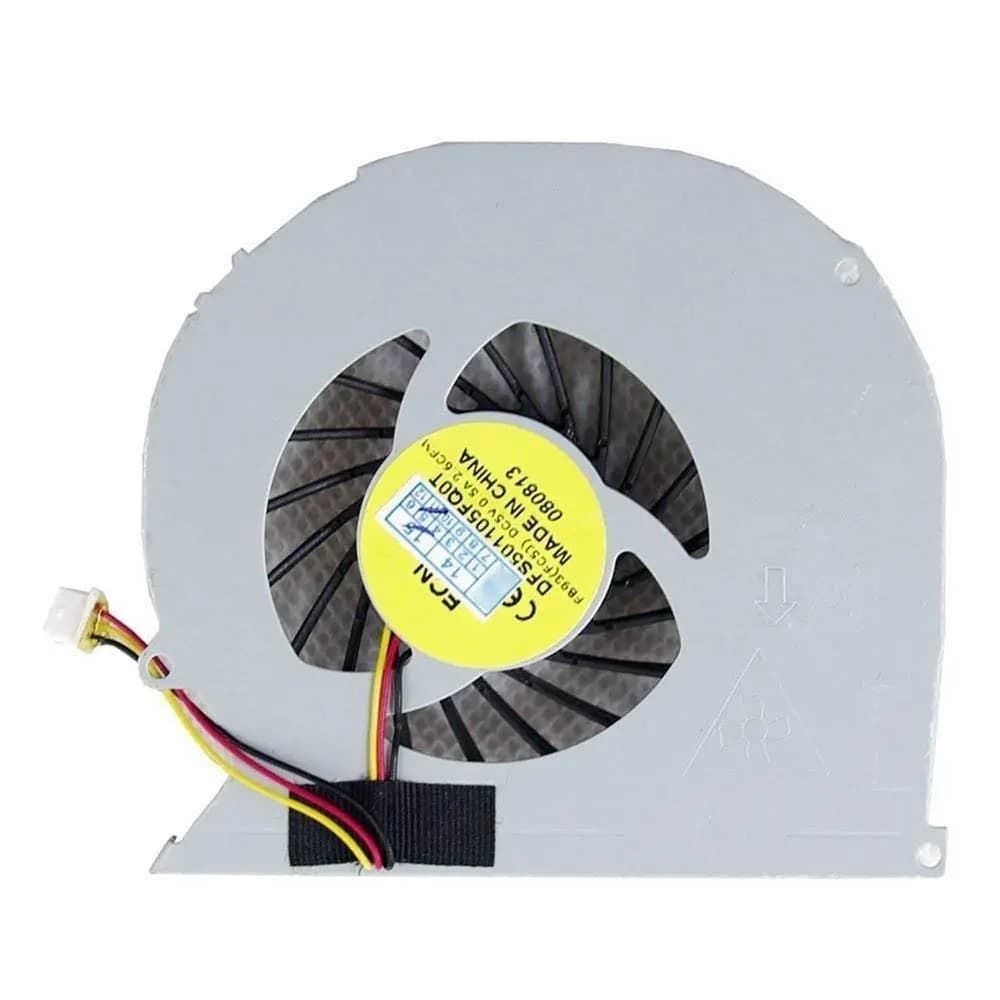
CPU Cooling Fan Dell Inspiron 6400
620 EGP
Out of Stock
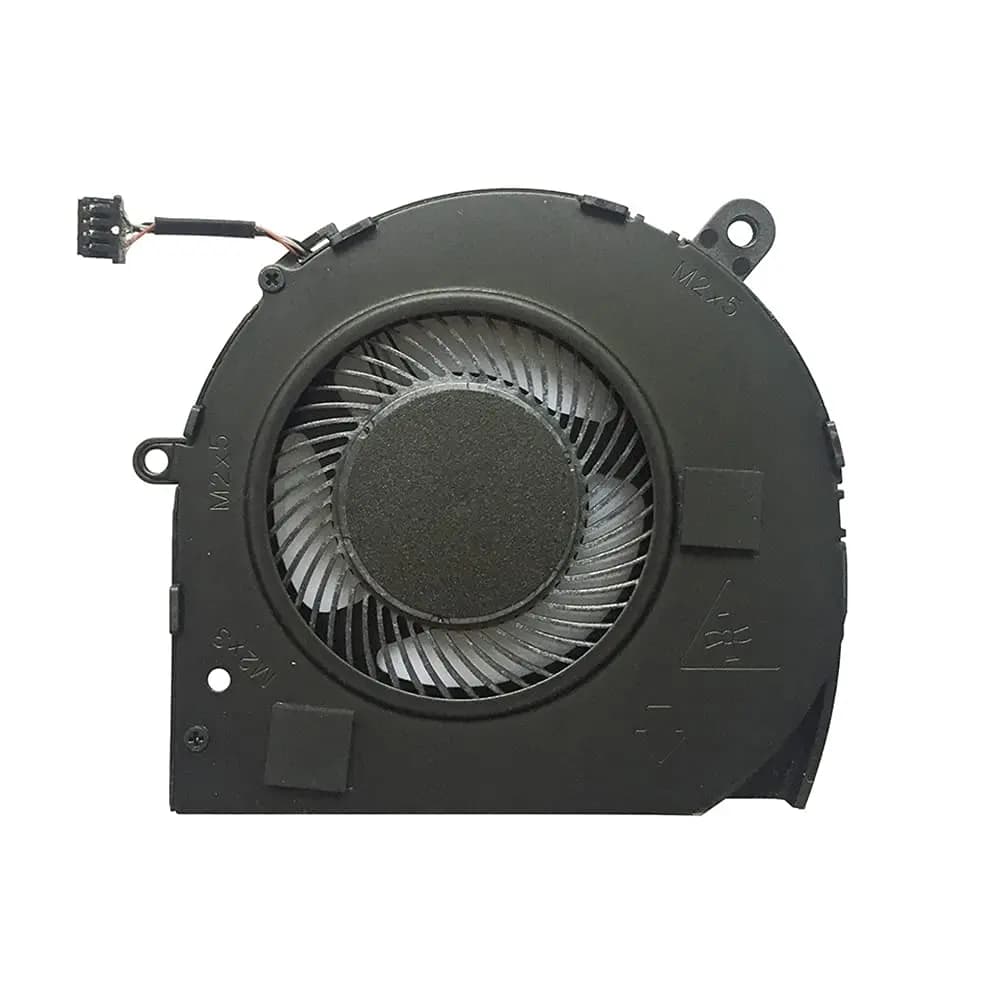
CPU Cooling Fan Dell Latitude 5500 Precision 3540 EG50040S1-CH40-S9A 01GM4N
680 EGP
Out of Stock
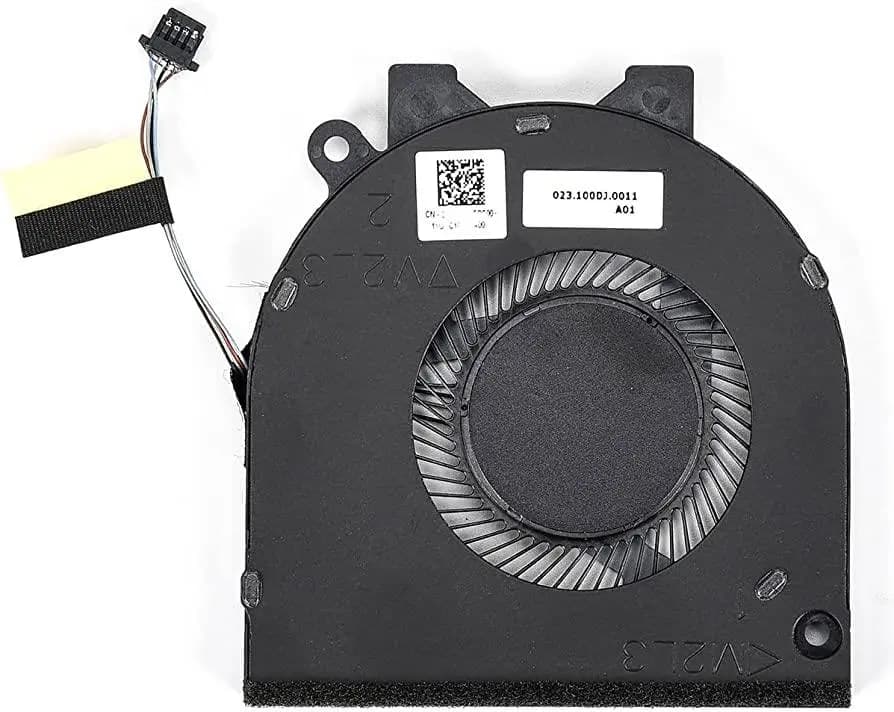
CPU Cooling Fan Dell Inspiron 15 5580 5581 558514 5480 5481 5482 5488 0G0D3G G0D3G
680 EGP
Out of Stock
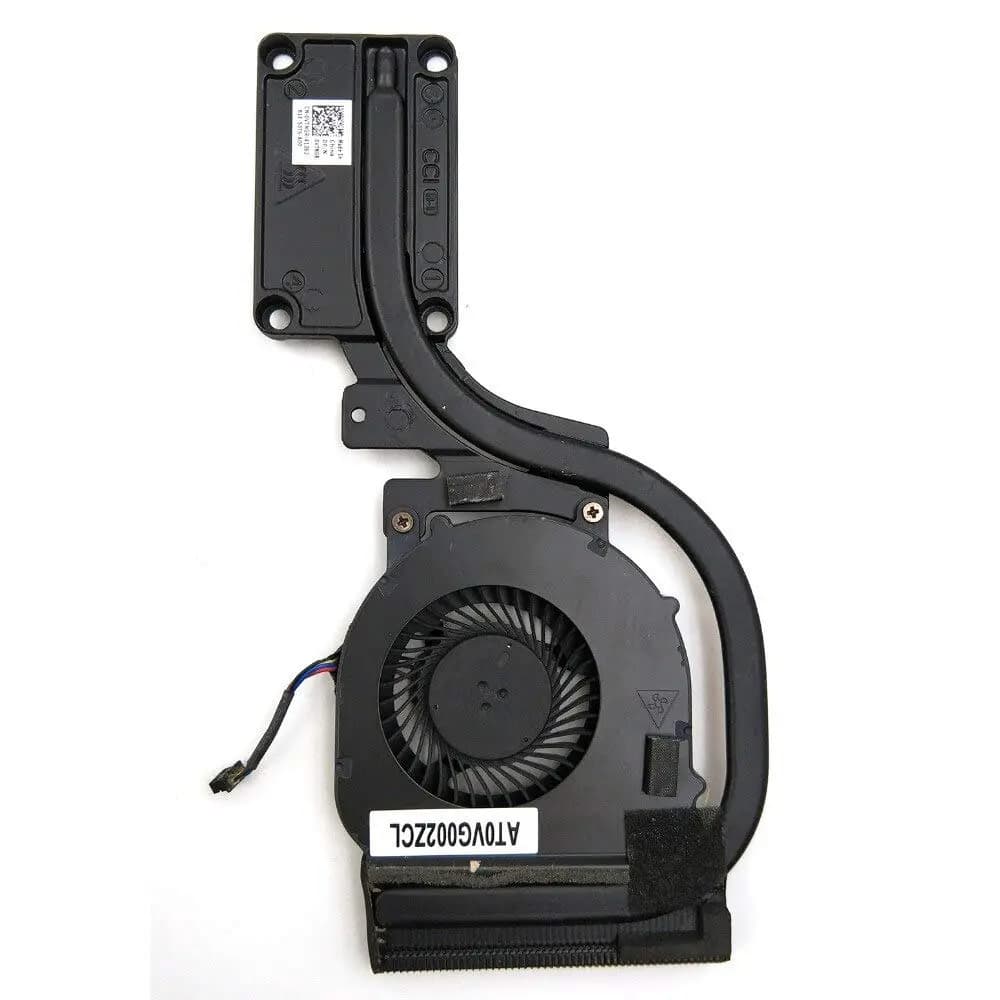
Heatsink & CPU Fan Dell Latitude E6440 VTNGR
620 EGP
Out of Stock
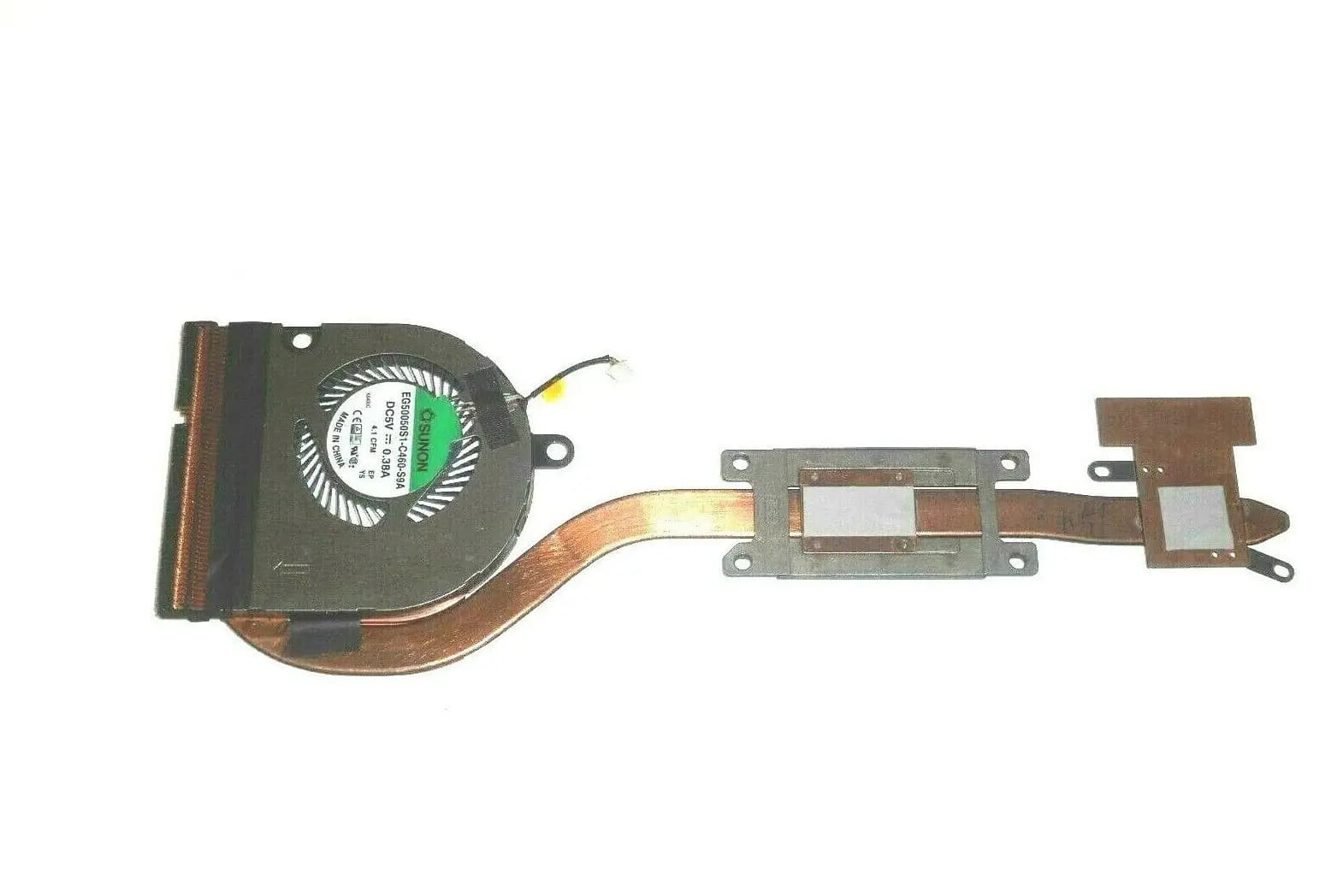
Heatsink & CPU Fan Dell Latitude E5550 0X5KGV
1,010 EGP
Out of Stock
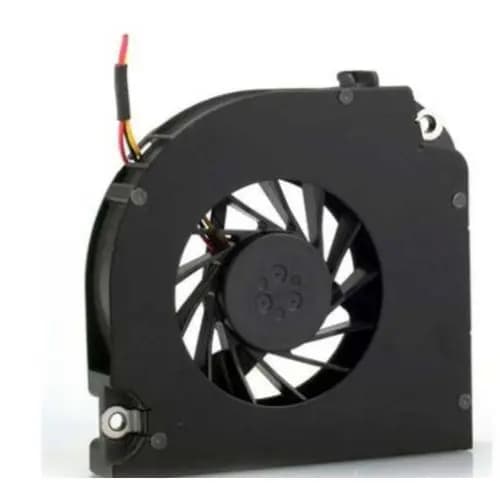
CPU Cooling Fan Dell Latitude D820 D830 D531 M4300 DQ5D576F007
550 EGP
✓ In Stock
Frequently Asked Questions
How long does it take to replace a Dell Fan?
Replacing a Dell Fan typically takes 30-45 minutes. Difficulty level: Medium.
What tools do I need to replace a Dell Fan?
You will need: Phillips screwdriver, Plastic pry tool, Thermal paste, Anti-static wrist strap.
Where can I buy a Dell Fan in Egypt?
You can buy original and compatible Dell Fan parts at Almasrya.net with fast delivery across Egypt.