How to Replace 45wh Battery
Complete step-by-step guide · 20-40 minutes · Difficulty: Easy to Medium
🔧 Tools You Need
- Phillips screwdriver
- Plastic pry tool
- Anti-static wrist strap
Step-by-Step Instructions
- 1
Power off the laptop and unplug the charger.
- 2
If the battery is external, press the release latch and slide it out.
- 3
For internal batteries: remove the bottom panel screws with a Phillips screwdriver.
- 4
Gently lift the bottom panel using a plastic pry tool.
- 5
Disconnect the battery connector from the motherboard.
- 6
Remove the battery mounting screws and lift the battery out.
- 7
Insert the new battery, reconnect the connector, and secure the screws.
- 8
Replace the bottom panel and charge the new battery fully before use.
Buy 45wh Battery in Egypt
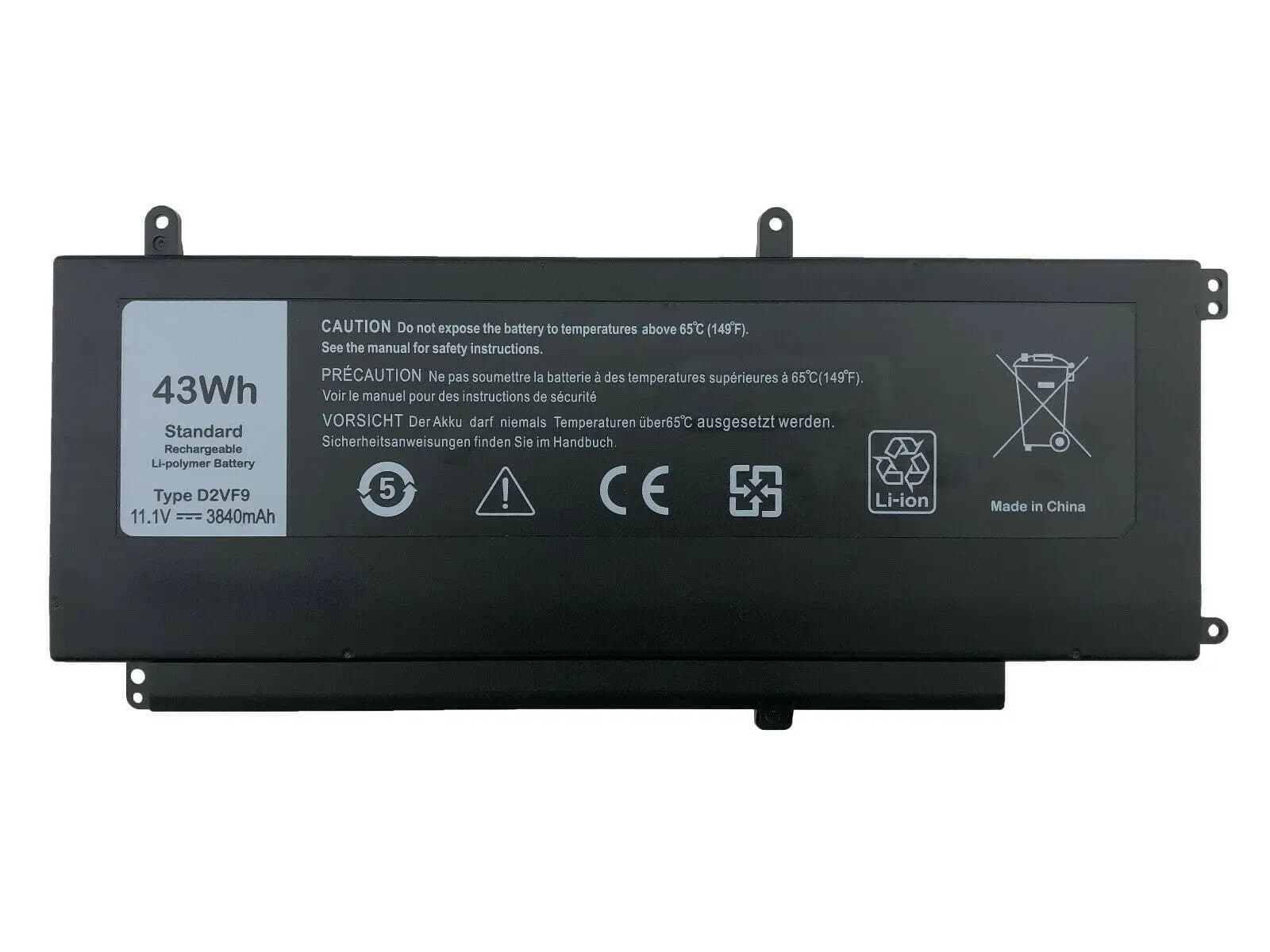
Battery Laptop Dell Vostro 5459, Dell Inspiron 7547 7548 N7547 Series, Inspiron 15 7000 D2VF9 4P8PH PXR51 11.1V 4A 45Wh
2,755 EGP
Out of Stock
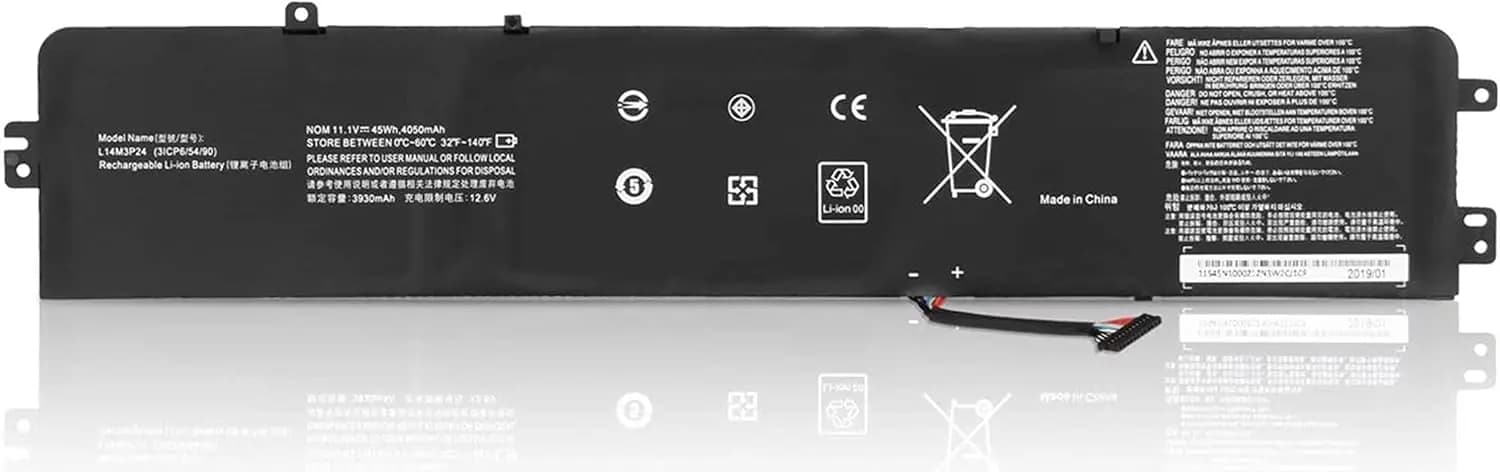
Laptop Battery L14M3P24 for Lenovo Legion Y520-15IKBA Y520-15IKBM Y520-15IKBN Ideapad Y700-14ISK 700-15ISK 700-17ISK Series L16M3P24 L16S3P3P24 24L1 4S3P24 11.1V 45Wh
2,800 EGP
Out of Stock
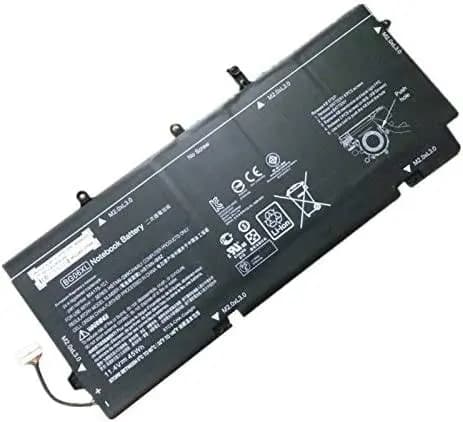
Battery Laptop HP BG06XL HP Elitebook Folio 1040 G3 804175-1B1 804175-1C1 HSTNN-IB6Z(11.4V 45Wh)
2,700 EGP
Out of Stock
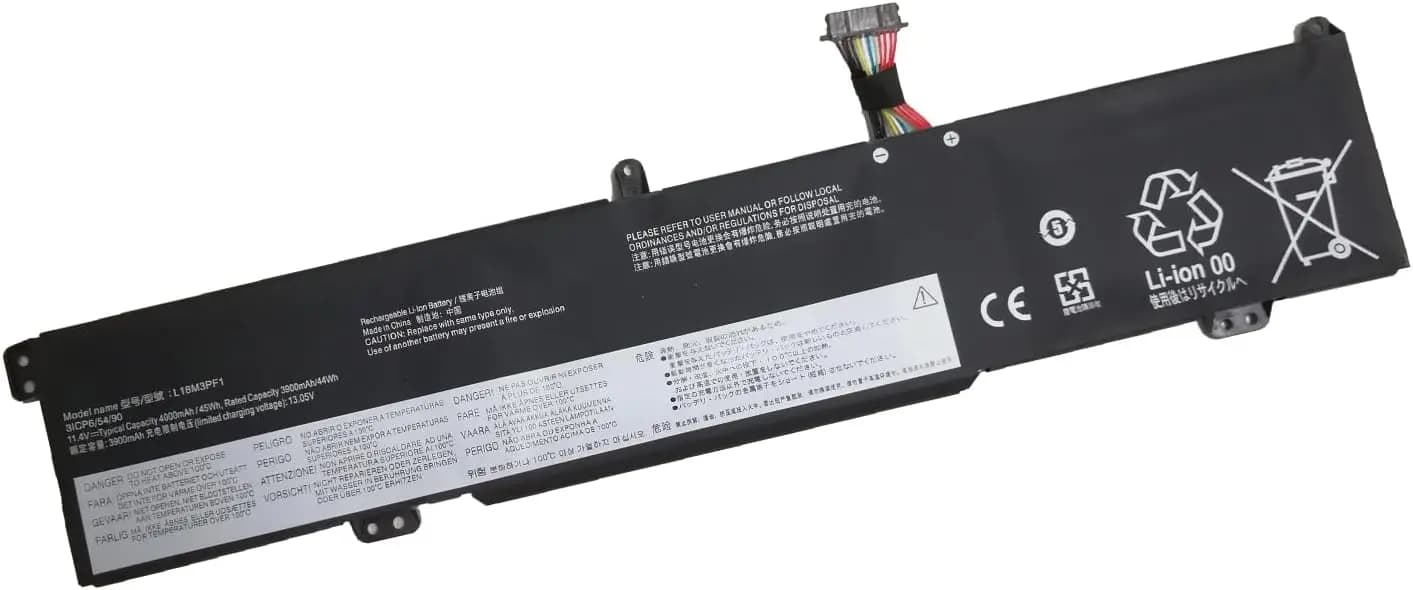
Laptop Battery L18C3PF1 L18M3PF1 5B10T04975 5B10W67350 5B10T04976 5B10W67336 SB10W67243 for Lenovo Ideapad L340-15IRH L340-15IRH L340-11 7IRH 7IRH Gaming (11.52V 45Wh)
2,825 EGP
Out of Stock
Frequently Asked Questions
How long does it take to replace a 45wh Battery?
Replacing a 45wh Battery typically takes 20-40 minutes. Difficulty level: Easy to Medium.
What tools do I need to replace a 45wh Battery?
You will need: Phillips screwdriver, Plastic pry tool, Anti-static wrist strap.
Where can I buy a 45wh Battery in Egypt?
You can buy original and compatible 45wh Battery parts at Almasrya.net with fast delivery across Egypt.