How to Replace 15 AN Charger
Complete step-by-step guide · 2 minutes · Difficulty: Very Easy
🔧 Tools You Need
- No tools required
Step-by-Step Instructions
- 1
Identify the correct wattage for your laptop model (check the original charger label).
- 2
Ensure the new charger has the same connector tip size and polarity.
- 3
Connect the new charger to the laptop and power adapter.
- 4
The laptop should begin charging immediately.
- 5
If the laptop doesn't recognize the charger, restart and try again.
Buy 15 AN Charger in Egypt
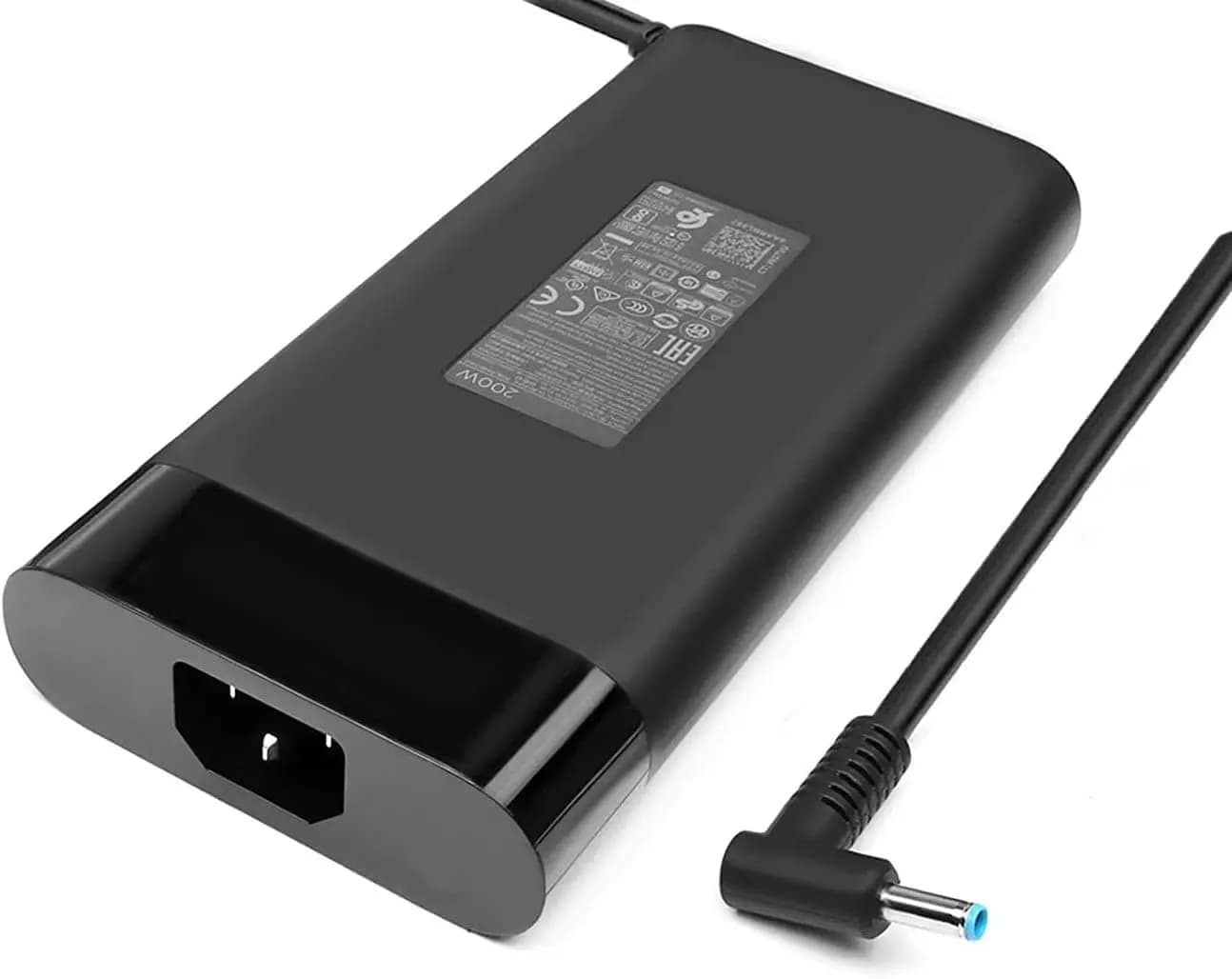
Charger AC Adapter Laptop HP 200W HP OMEN Pavilion Gaming 15 17 Envy 15 2020 TPN-DA10 L00818-850 TPN-LA21 L73385-001 ADP-200HB B OMEN 15 15t 17 17t HP omen 15 17 15t 17t series HP Pavilion Gaming 15 16 17 series, as well as HP Zbook 15 and 17 G3 G4 G5 G6 G7 serie Power
2,990 EGP
Out of Stock
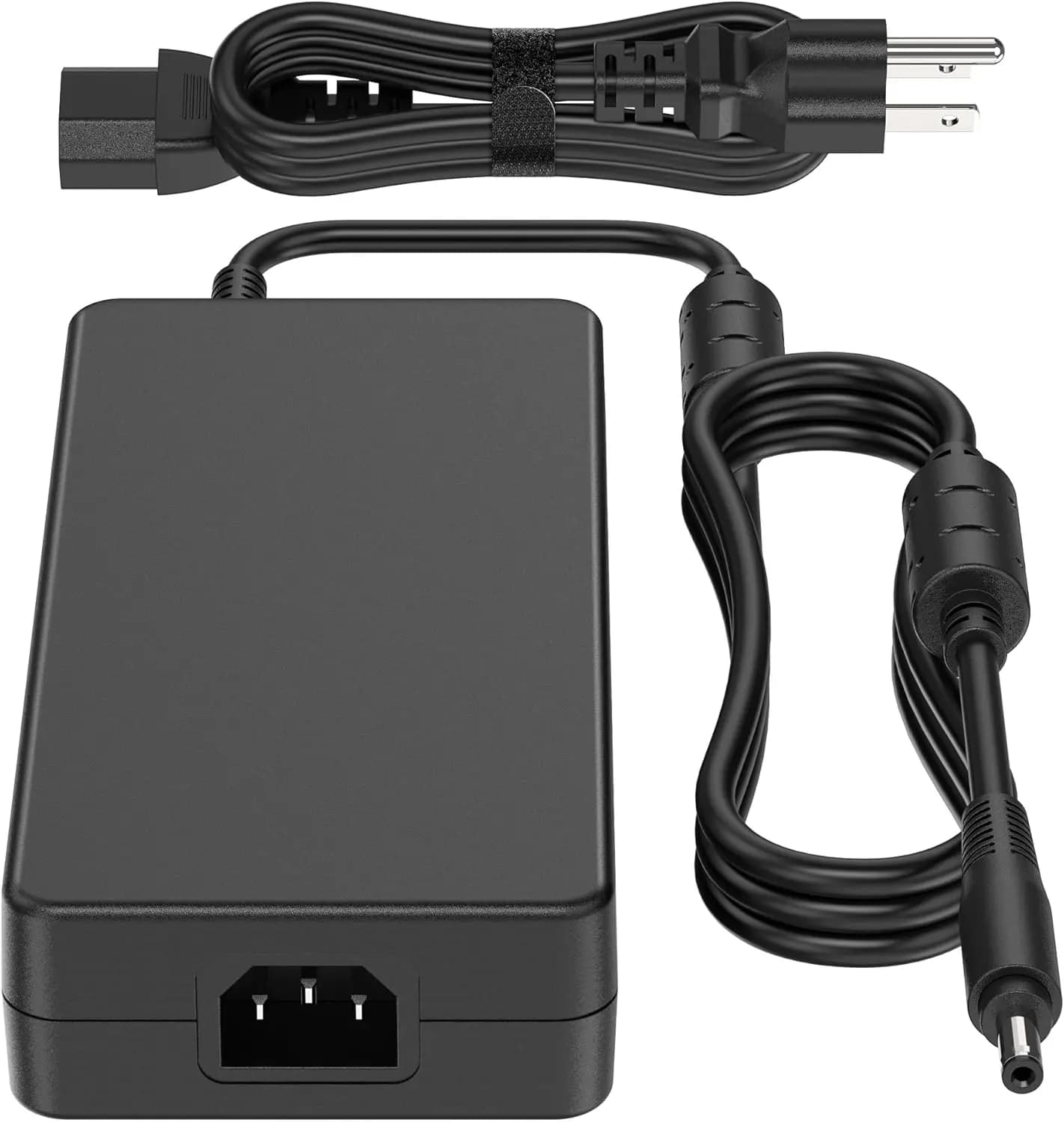
330W Laptop Charger for Acer Predator Helios Neo16 300 700 18 16 15 PH18-71 PHN16-71 PH3D15 Acer Predator Triton 17 X PTX17-71 Nitro 17 16 15 AN17-51 AN17-41 AN16-41 PA-1331-99 19.5V 16.9A AC Adapter Electronics
3,350 EGP
Out of Stock
Frequently Asked Questions
How long does it take to replace a 15 AN Charger?
Replacing a 15 AN Charger typically takes 2 minutes. Difficulty level: Very Easy.
What tools do I need to replace a 15 AN Charger?
You will need: No tools required.
Where can I buy a 15 AN Charger in Egypt?
You can buy original and compatible 15 AN Charger parts at Almasrya.net with fast delivery across Egypt.